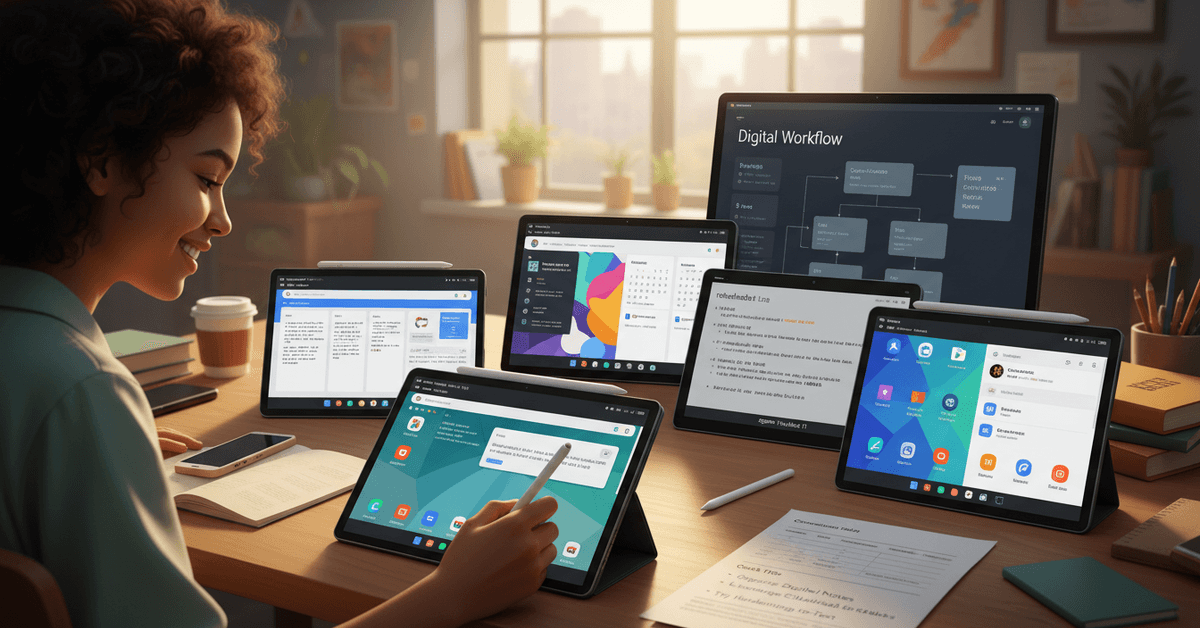
If digital organization is your thing—or maybe you just want to ditch paper piles—there’s a wave of budget tablets for taking digital notes in 2026 making everything feel so much easier.
For students, remote workers, or anyone craving that old-school pen-and-paper feel with modern convenience, finding an affordable device can make all the difference.
This guide is for anyone seeking to boost productivity, save time, and still keep costs under control. Let’s explore the standout options and what really matters before you buy.
Why Digital Note-Taking Tablets are a Smart Pick in 2026
This year feels like a turning point for digital note-taking devices . It’s not just about scanning handwritten material; it’s about how fluid, efficient, and connected the whole process has become.
The rise of AI-powered apps, tighter cloud integration, and responsive styluses have redefined what’s possible under $300 — sometimes less. People are rethinking traditional notebooks, and for good reason.
You get easier search, infinite pages, and no risk of losing your notes during a commute or in a messy room.
On top of that, students and professionals are using these affordable tablets for sketching ideas, annotating readings, or even collaborating live with classmates.
It’s not perfect—sometimes you miss the feel of real paper—but for most, the pros outweigh the cons.
Key Features to Look for in Budget Digital Note-Taking Tablets
Sometimes it’s easy to be distracted by brand names, but when you’re shopping for budget tablets in 2026, small details really matter. Here are the core essentials you should focus on:
Responsive Stylus Support
A laggy or imprecise stylus can defeat the point of digital handwriting. It’s worth making sure your tablet includes a comfortable, low-latency pen—preferably one that charges quickly or uses replaceable tips.
Screen Size and Clarity
While smaller tablets are lighter and cheaper, writing on a cramped screen can be frustrating. These days, a 10-inch screen is practical for most tasks, but even 8-inch models are decent if you need portability above all.
Battery Life & Portability
Budget-friendly tablets have improved drastically in battery performance. Expect 10 hours or more on a single charge for note-taking use. If you travel or move between classes, those extra hours matter a lot.
App Compatibility and Cloud Sync
Your tablet’s value really shows when it supports apps like OneNote, Evernote, or Google Keep and syncs seamlessly to your workspace. This is an area where even cheaper models are catching up—it might surprise you just how capable recent releases are.
2026’s Top Picks: Best Budget Tablets for Digital Notes
Here’s a quick rundown of the leading options this year. All prices are below $350 at launch—and many dip under $250 in seasonal promotions. Each one balances affordability, reliability, and real-world note-taking comfort.
1. Lenovo Tab S9e
The Lenovo Tab S9e has quietly become a favorite among students. Its 10.5-inch LCD, bundled stylus, and all-day battery life make it a solid productivity workhorse.
The preloaded Lenovo Notes app is surprisingly intuitive—plus, integration with Google Drive is smooth.
It isn’t as flashy as premium picks, but for under $280, it delivers consistent, lag-free writing. Some users might wish the stylus was a bit thicker, but that’s subjective.
2. Samsung Galaxy Tab A9+
The Galaxy Tab A9+ stands out for its robust build and secure Kids Mode—making it perfect for shared households. With S Pen compatibility and DeX mode for multitasking, it’s handy for more than just quick notes.
One thing: the included S Pen isn’t quite as pressure-sensitive as Samsung’s pricier alternatives. But note synchronization across Samsung Notes, OneNote, and cloud platforms remains a strong plus.
3. reMarkable 3 Lite
For those who want that “paper” experience on a budget, the reMarkable 3 Lite is worth considering. It’s not a full Android tablet but focuses exclusively on writing, PDF annotation, and sketching.
You get no distractions, which I found refreshing, honestly. Cloud sync is now included (finally!), but there’s limited app support. If you want simplicity and distraction-free focus under $350, it’s hard to beat for pure handwriting.
4. Amazon Fire Max 11
This tablet often gets overlooked, but the Fire Max 11 supports digital ink via the Amazon stylus and delivers compelling battery life—sometimes two days on a charge.
With Microsoft Office and OneNote support via the Amazon Appstore, you don’t miss out on mainstream tools. Ads on the lock screen can be annoying, and Amazon’s stylus isn’t the most responsive out there, but for under $220, you’ll forgive a lot.
5. Xiaomi Pad 6 Lite
Don’t ignore Xiaomi’s Pad 6 Lite, which brings a snappy LCD display, PEN support, and good enough speed for basic multitasking.
The Note app supports handwriting to text, and battery life is above average for this price range. Drawbacks? App availability sometimes lags behind western brands, but for note-taking alone, it’s more than enough.
Feature Comparison: Budget Note-Taking Tablets at a Glance
| Model | Screen | Stylus Included | Battery Life | Best Use Case | MSRP (USD) |
|---|---|---|---|---|---|
| Lenovo Tab S9e | 10.5" LCD | Yes | 12+ hrs | Students, general notes | $279 |
| Samsung Galaxy Tab A9+ | 11" LCD | Yes | 11 hrs | Family, multitasking | $249 |
| reMarkable 3 Lite | 10.3" E-Ink | Yes | 2 weeks | Distraction-free writing | $349 |
| Amazon Fire Max 11 | 11" LCD | No | 14 hrs | Reading, annotating PDFs | $219 |
| Xiaomi Pad 6 Lite | 10.6" LCD | Yes | 13 hrs | Handwriting, email | $229 |
Integrating Your Tablet Into a Productive Digital Routine
Getting a budget tablet for notes is just the first step. Actually building it into your daily workflow… that’s where the magic happens. I’ve noticed that setting up a consistent note organization system pays off quickly.
Apps like Notion or OneNote (if available on your device) can help keep class lectures, meeting notes, and project ideas separated—but ultimately, it’s about what habit sticks for you.
Use Cloud Sync for Backups
It’s reassuring to know your notes won’t vanish if your device gets lost or bricked. Most tablets here offer built-in OneDrive, Google Drive, or iCloud sync.
Some, like the reMarkable series, provide their own cloud service. I’d recommend using at least two backup options, just to be sure. It’s not paranoia… just practical.
Try Handwriting-to-Text Conversion
Many 2026 tablets have surprisingly accurate handwriting recognition—though it’s not perfect. Double-check auto-converted notes at first, but over time, you’ll find it saves retyping lengthy passages.
It never hurts to scan for misread words before you send off your notes to a colleague or upload to your drive.
Adopt a Sustainable Workflow
It may sound obvious, but charging routines matter. Set reminders at first, especially if you’re coming from paper notepads and aren’t used to battery management. Also, get into the habit of exporting or organizing digital notes weekly.
Digital clutter is a real thing, and even the best device can’t fix bad habits. But with a little effort, these tablets help keep everything streamlined.
Common Pitfalls to Avoid with Cheap Tablets
The temptation to grab the absolute cheapest option can be strong. But I think it’s wise to compare specs carefully. Some sub-$150 models skimp on stylus support or restrict you to clunky, ad-filled software.
Sometimes there’s no palm rejection, making handwriting uncomfortable. It might seem obvious, but spending an extra $30–$50 often gives you a noticeably better note-taking experience and, in the long run, less frustration.
Watch for Software Limitations
Budget tablets sometimes lock you into a limited app ecosystem or lack OS updates after a year or two.
That may not seem urgent right now, but when you’re staring at a buggy note app in three semesters, you’ll wish you checked first. Look for active developer support or check forums before committing.
Check Accessory Costs
Some great deals on tablets don’t include a stylus or a case, forcing extra purchases. A quick price check on replacement nibs, screen protectors, or styluses can save you surprises.
Internal Storage
Cloud sync helps, but it’s easy to underestimate how much storage handwritten notes—especially with diagrams or PDFs—can take up. Most tablets offer microSD expansion, but a minimum of 64GB internal is practical. 32GB fills up fast; trust me, I’ve been there.
Conclusion
Choosing the best budget tablet for digital notes in 2026 means balancing price, pen support, battery life, screen comfort, and app compatibility.
A good tablet should make writing feel smooth without costing too much. Compare stylus quality, storage, and long-term updates before buying, so your note-taking setup stays reliable.