Long YouTube videos are eating your time. A 90-minute documentary, a 2-hour conference talk, a 45-minute tutorial where the actual answer arrives at minute 38. AI browser extensions now solve this, and most of them are free.
This is written for busy learners: students, researchers, and professionals who consume video content as part of their workflow, not just their downtime. If you watch YouTube to learn something, this changes how you operate.
The tools exist. Most people just haven't set them up yet.
Getting started takes about three minutes. What you do with the recovered time is your business.
AI Extensions That Actually Summarize YouTube Videos in 2026
How These Tools Work (Without the Jargon)
Most AI YouTube summarizers follow a two-step process that runs entirely in your browser.
First, the extension uses automatic speech recognition to convert the video's audio into a raw transcript. Then a summarization algorithm scans that transcript for key phrases, recurring themes, and the main argument of the video.
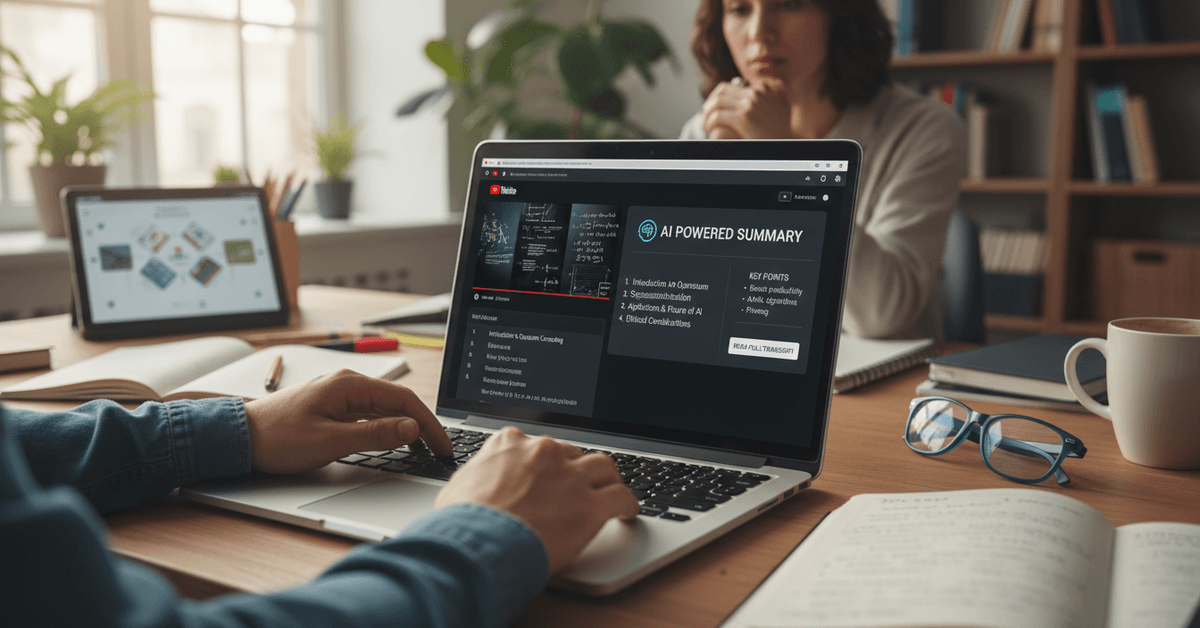
The result shows up in a sidebar or panel while the video is still open. You read the summary, decide which sections matter, and jump directly to those timestamps.
The Part That Trips People Up
Audio quality determines summary quality more than video length does. A crisp, well-recorded 3-hour lecture will summarize more accurately than a 20-minute video filmed in a noisy room.
Heavy accents, crosstalk, and background noise all introduce errors at the transcription stage, and those errors compound in the summary.
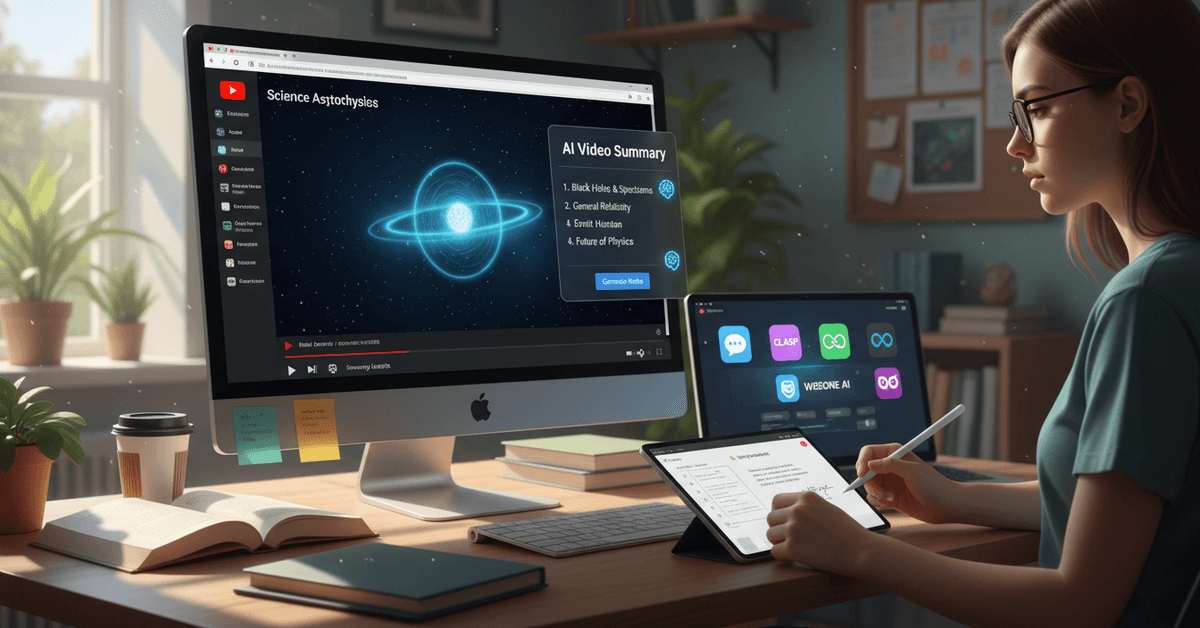
I think this single variable explains most of the frustration people report with these tools. They blame the AI when the real problem is a video that was never well-recorded to begin with.
The Extensions Worth Installing Right Now
Not every tool in this category deserves space in your browser. These four have earned consistent use.
Glasp YouTube Summary places a summary button directly on every YouTube page. Click it, and ChatGPT drafts a structured outline of the video.
It processes fast, costs nothing for basic use, and works well on general-interest content. It occasionally glosses over technical specifics, but for lectures, interviews, and explainer videos, the output is reliably usable.
Eightify focuses on highlight extraction rather than just summarization. It identifies the 8 most significant points in any video, which is a different and often more useful output than a paragraph summary.
The free tier handles this core feature. Longer analysis tools sit behind a paywall, but most users won't need them.
Wiseone AI pulls in topic extraction and translation alongside summarization. It works best on channels that use YouTube's automatic captions, which are increasingly accurate in 2026.
For multilingual researchers or anyone working with international content, Wiseone fills a gap the other tools don't.
SMMRY is the fallback option when browser extensions aren't available. Paste a YouTube transcript link and it processes the text directly. No installation required. The interface is plain, but it works.
| Extension | Free Tier | Best For | Weakness |
|---|---|---|---|
| Glasp + ChatGPT | Full summarization | General video content | Misses technical detail |
| Eightify | 8-point highlights | Fast key takeaways | Premium for deep analysis |
| Wiseone AI | Summaries + translation | Multilingual content | Caption-dependent |
| SMMRY | Full text processing | No-install fallback | Manual transcript step |
Glasp is the starting point for most users. Eightify is the upgrade if you want structured highlights instead of prose summaries.
Setting Up Your First YouTube Summary Extension
The Installation Takes Under Three Minutes
The process is the same across all Chrome-based browsers, including Edge and Brave.
- Go to the Chrome Web Store and search the extension name
- Click "Add to Chrome" and confirm the permissions prompt
- Open any YouTube video. A summary button or sidebar panel appears automatically
- Click the summary feature and wait 5 to 15 seconds for processing
- Read, copy, or export the output directly from the panel
Most extensions activate immediately after install. Glasp and Eightify require a free account login on first use, which takes another 60 seconds.
What to Do When the Summary Comes Out Wrong
Two situations produce bad summaries consistently: heavily visual content and technical jargon-dense videos.
A cooking tutorial or a design walkthrough where the instructor points at the screen without narrating the action will summarize poorly. The AI only hears audio. Anything communicated through visuals alone gets missed entirely.
For programming, finance, or medical content, always double-check specific figures and steps against the original video.
Summarization algorithms identify themes accurately, but they sometimes blur precise numbers or misattribute technical terms. I find it useful to treat AI summaries for technical content as a rough map, not a replacement for the actual territory.
Getting More Out of These Tools Over Time
Pairing Summaries with Note-Taking Apps
The most underrated move with AI video summaries is exporting them directly into Notion or OneNote rather than just reading and closing.
A saved summary becomes searchable, referenceable, and useful weeks later when you've forgotten the video existed.
Several users in research and academic contexts report this combination changed how they prepare for projects.
Summarize a batch of videos on a topic, export the highlights into a single note, and you have a literature review that took 20 minutes instead of 4 hours.
The Workflow That Doubles the Value
Use AI summaries for the selection decision, not just the consumption shortcut. Before committing to a full 90-minute watch, run the summary first. If the summary contains the information you needed, you're done.
If it reveals that the video goes deeper on a specific section, jump to that timestamp. This two-stage approach is more useful than just summarizing everything you would have watched anyway.
The Privacy Question Nobody Asks Before Installing
Most articles in this space skip the permissions issue entirely. I think it deserves direct attention.
Browser extensions that access YouTube pages often request broad browsing data permissions. Some tools require this to function. Others request far more than necessary.
Read the permissions prompt before clicking "Add to Chrome." A summary extension needs access to YouTube pages. It does not need access to your browsing history, clipboard, or data from unrelated sites.
Google's Chrome Web Store now displays permission summaries more clearly than it did in previous years, which helps. Still, check the extension's published privacy policy before installing anything you plan to use for work-related content.
Commercial Use Is a Gray Area Worth Understanding
AI-generated summaries of YouTube videos exist in an ambiguous copyright space. Using a summary for personal research, studying, or private workflow is generally uncontroversial.
Publishing summaries publicly, distributing them, or building any product around summarized content from creators who haven't consented is a different matter entirely.
The practical rule: summaries are for your own productivity, not for redistribution. If the application goes beyond personal use, that requires a more careful look at the creator's terms and YouTube's own policies.
Questions People Ask About AI YouTube Summarizers
Q: Do these extensions work on private or unlisted YouTube videos? Most AI summarizers depend on YouTube's caption system or audio access, both of which require the video to be publicly accessible. Private videos typically cannot be processed. Unlisted videos may work if you have the direct link, but results vary by tool.
Q: Will the summary spoil a video I actually want to watch? This is a legitimate concern for documentary or narrative content. The solution is simple: use the extension's topic extraction features rather than full summarization when you want context without full spoilers. Eightify's 8-point highlights work well for this.
Q: How accurate are these summaries for academic or research use? Accurate enough for identification and triage, not reliable enough for citation. Use summaries to decide which videos warrant full attention, then watch the relevant sections carefully before including anything in actual research.
Q: Do AI summarizers work in languages other than English? Wiseone AI has the strongest multilingual support among free tools. Glasp and Eightify perform well with English content and inconsistently with other languages. This is improving quickly, but in 2026, English remains the best-supported language by a significant margin.
Q: Can I summarize a YouTube playlist, not just a single video? No current free extension handles playlist-level summarization natively. The practical workaround is running individual summaries on the most relevant videos in the playlist after reviewing titles and descriptions, then combining those exports in a note-taking app.
Conclusion
The two minutes you spend installing one of these extensions will pay back within the first video you use it on.
AI YouTube summarizers are no longer experimental tools that occasionally work. They are reliable enough to build a real workflow around, and the free options have closed most of the gap with paid alternatives.
The next lecture you would have half-watched while doing something else might be the one worth actually finishing, because you already know exactly which seven minutes matter.