Ever wondered if your online accounts are safe? It’s a worry we all share, especially now when data breaches hit the news nearly every month.
This guide is for anyone who cares about their privacy, whether you’re a tech enthusiast or simply someone who logs into a few sites each day.
Spotting a leaked password quickly can save you from headaches like hacked emails or worse—identity theft. Let’s walk through how you can check if your credentials have been exposed, cover simple, actionable security tips, and break down the best tools to stay one step ahead.
Why Password Leaks Remain a Huge Risk
If you’re using the internet in 2024, assuming your password is 100% private is a gamble. Data breaches—where hackers steal databases from companies—happen constantly.
Sometimes, millions of emails and passwords get dumped online. You might not even know it happened unless you check. And though it feels unlikely, leaks can affect just about anyone, not just celebrities or big brands.
I’ve actually had a friend whose favorite music service was breached, and for weeks, he had no idea his information was floating around on the dark web. Maybe that’s happened to you, or maybe you’re just wondering if it has.
Common Signs Your Password May Have Been Exposed
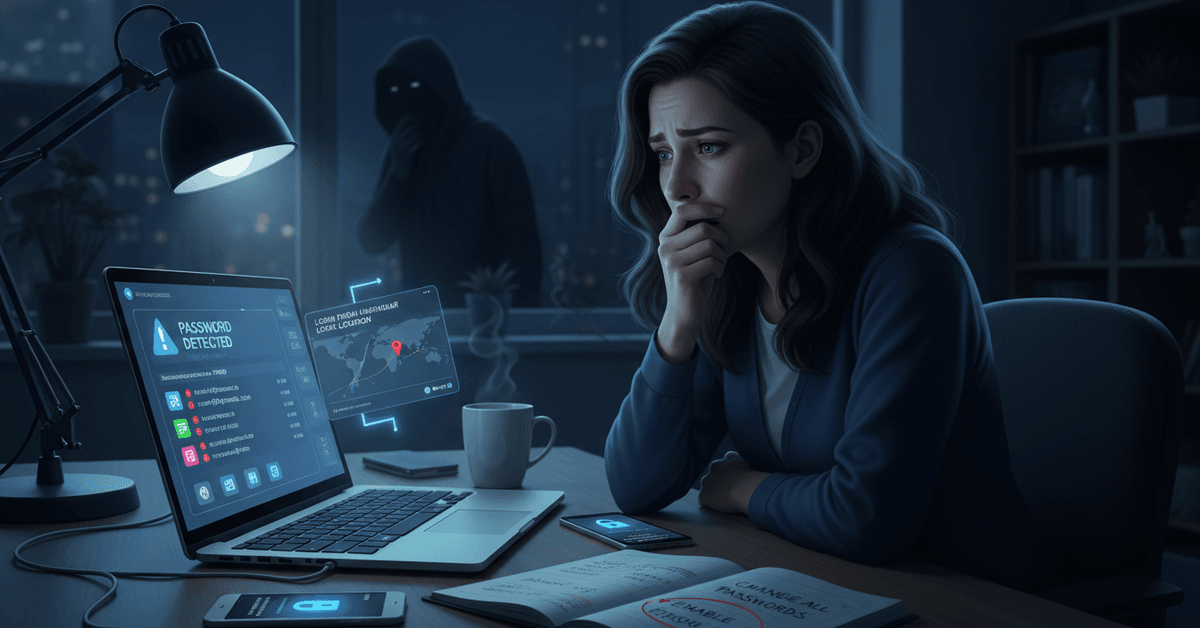
You probably won’t get a friendly heads-up when a breach hits. Still, there are clues. If you notice odd account activity—like unfamiliar emails in your sent folder, password resets you didn’t request, or logins from unusual locations—take it seriously.
Even vague warnings, such as prompts from Google or your browser urging you to change a weak or compromised password, shouldn’t be ignored. Honestly, sometimes those pop-ups feel annoying, but they’re there for a good reason.
Best Ways To Check If Your Password Has Been Leaked Online
So, how can you actually tell if your password is out there? Luckily, there are some reliable tools and safe methods to help you check:
Use Online Breach-Checking Tools
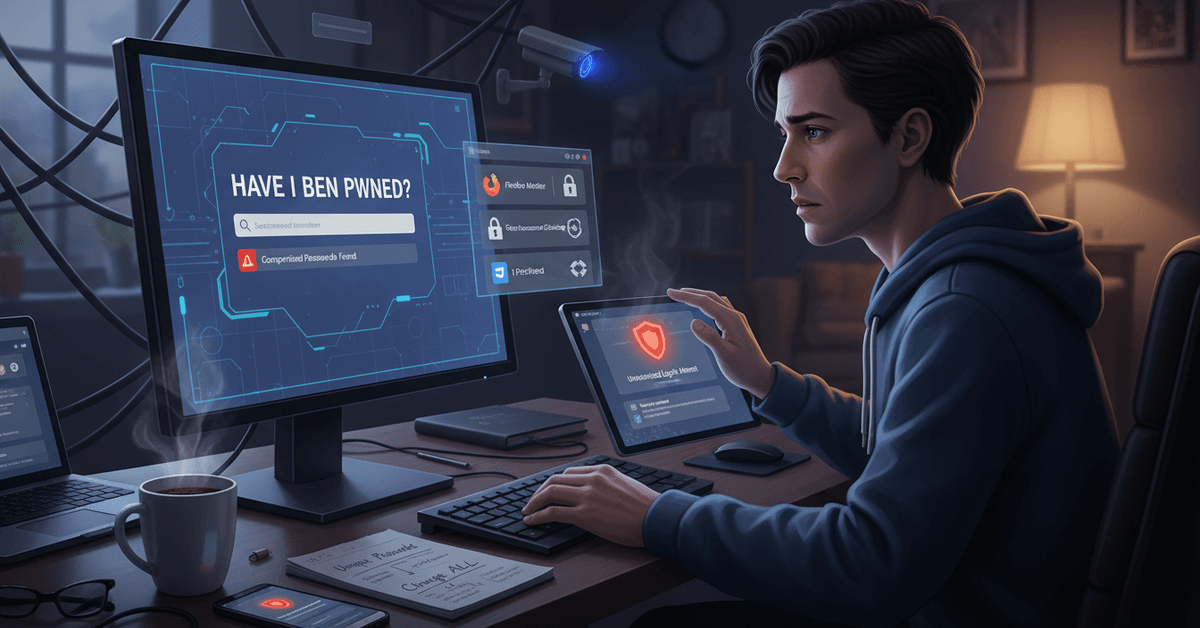
- Have I Been Pwned – This free, trusted site lets you check if your email or username shows up in known data breaches. Enter your info (don’t worry, it’s safe), and it searches billions of records.
- Firefox Monitor – Another simple tool, especially handy for Firefox users. It scans breach databases and can send alerts when your credentials appear in a new leak.
- Google Password Checkup – Chrome users can run a quick scan on passwords saved to their Google account, flagging any that have been compromised elsewhere.
Review Security Alerts from Major Services
Apps like Apple, Facebook, and Microsoft now routinely notify users if their information shows up in a public leak. Sometimes, you’ll get an email. Other times, you’ll see a notification when logging in.
Don’t ignore these! It’s tempting to brush them off, but acting fast is vital. If you ever get one out of the blue, take it seriously—even if it feels unlikely.
Leverage Your Password Manager’s Features
If you use a password manager (like 1Password, LastPass, or Bitwarden), many now include “Security Audit” or “Breach Report” tools.
These scan your stored logins and alert you if your passwords match records in known breaches. For anyone managing dozens of accounts, this can be a game changer. Honestly, I wasn’t using this feature extensively until recently, and now I can’t do without it.
Set Up Ongoing Monitoring
Several services, such as LifeLock or Identity Guard, offer continuous dark web monitoring. While these are often paid, they provide peace of mind—especially if you’re concerned about sensitive accounts. Just be cautious with free “dark web scan” promises. Stick to brands with proven reputations.
How To Fix A Leaked Password Efficiently
If you discover a leak, don’t panic—but act quickly. First, change your password for the affected service. Don’t use a simple variation either; create something strong, ideally with a mix of letters, numbers, and symbols.
Next, update your credentials anywhere else you used the same password. It’s annoying, yes, but password reuse is one of the top reasons hackers succeed. I’ve slipped up on this myself, thinking “I’ll do it later,” but the risk is real.
Enable Two-Factor Authentication (2FA)
Once your password is updated, enable 2FA where possible. This means that even if someone knows your password, they can’t easily access your account without an extra code. Maybe it feels like an extra step, but trust me—it's worth the few seconds.
Revoke Suspicious Sessions & Devices
Check if your account settings show devices or sessions you don’t recognize. Most platforms now allow you to log out of other devices remotely. It’s a quick security sweep that’s often overlooked.
Apps and Tools That Make Password Security Easier
Staying secure doesn’t have to mean lots of hassle. Here are proven solutions to keep your digital life safe:
- Password Managers: Tools like Bitwarden, Dashlane, and 1Password can generate strong, unique passwords and securely store them for you.
- Security-centric Chrome Extensions: Consider extensions like “Password Checkup” or “Privacy Badger” to add an extra layer of alerts while you browse.
- Operating System Account Protection: Windows Hello and macOS Keychain offer built-in password suggestions and secure login features—handy if you prefer not to use third-party apps.
Tips to Prevent Future Password Leaks
Even if you’re careful, leaks can happen. Still, a few smart habits lower the risk:
- Never reuse passwords across important accounts.
- Update passwords regularly, especially for critical services like banking or email.
- Watch for notifications from browsers or trusted security apps about compromised passwords.
- Be cautious of phishing attempts in emails and texts—avoid clicking suspicious links.
- Use passphrases (a string of words) for main accounts. They’re easier to remember and harder to guess.
- Consider setting up alerts if your credentials appear in public databases (using Have I Been Pwned, for example).
Frequently Asked Questions About Password Security
Can I trust websites that check for breached passwords?
Generally, yes—as long as you use well-known, reputable services. Have I Been Pwned is trusted by cybersecurity professionals. Never enter your actual password on any site, only your email or username.
Should I use Chrome’s built-in password checker?
Absolutely. Chrome’s feature is fast, private, and helps you stay on top of potential leaks in passwords you’ve saved in your Google account. I use it myself, and it’s flagged old passwords I forgot to update.
What about random “dark web scan” ads?
Be very cautious. Many are just marketing ploys or lead generators. Stick to genuine services or features built into tools you already use. If in doubt, avoid entering any personal info.
Final Password Security Protection Guide
Checking for leaked passwords is an important habit because exposed credentials can lead to hacked accounts, identity risks, and unwanted access.
Trusted tools like Have I Been Pwned, Firefox Monitor, Google Password Checkup, and password manager audits can help users detect problems early.
It is also important to replace leaked passwords, avoid reuse, enable 2FA, and remove suspicious account sessions. With regular checks and stronger password habits, users can protect their online accounts more effectively.