Your digital face is showing up in more places than you think. Video calls, Discord servers, virtual classrooms, LinkedIn profiles. The question is whether that face looks like you or like a blurry fever dream.
Making a realistic AI avatar used to require a design background or a developer's patience. That gap has closed fast. The tools available right now let a complete beginner produce something genuinely impressive in under ten minutes.
The tricky part is not the process. It is picking the right platform and knowing what "realistic" actually means before you waste an afternoon on the wrong one.
Why AI Avatars Are a Practical Tool, Not a Gimmick
The instinct to dismiss avatars as a novelty is understandable. But the use cases have quietly expanded well beyond gaming.
Remote teams use them for async video. Students who feel uncomfortable on camera use them to stay present in virtual classrooms without the anxiety of being watched. Small businesses use them for branded customer support.
Privacy-conscious professionals use them to keep their actual face off platforms they do not fully trust.
Digital identity is no longer just your name and email. An avatar gives you control over how you appear across platforms, which is a surprisingly powerful thing to have.
How AI Turns One Selfie Into a Digital Face
No need to understand the math deeply. But a basic map of what is happening helps you make better decisions when things go wrong.
What the AI Is Actually Reading
Most platforms rely on a combination of deep learning models, facial landmark detection, and neural rendering.
Upload a photo, and the system identifies dozens of reference points: the corners of your eyes, the width of your jaw, the slope of your nose. It then maps those features onto a generated model.
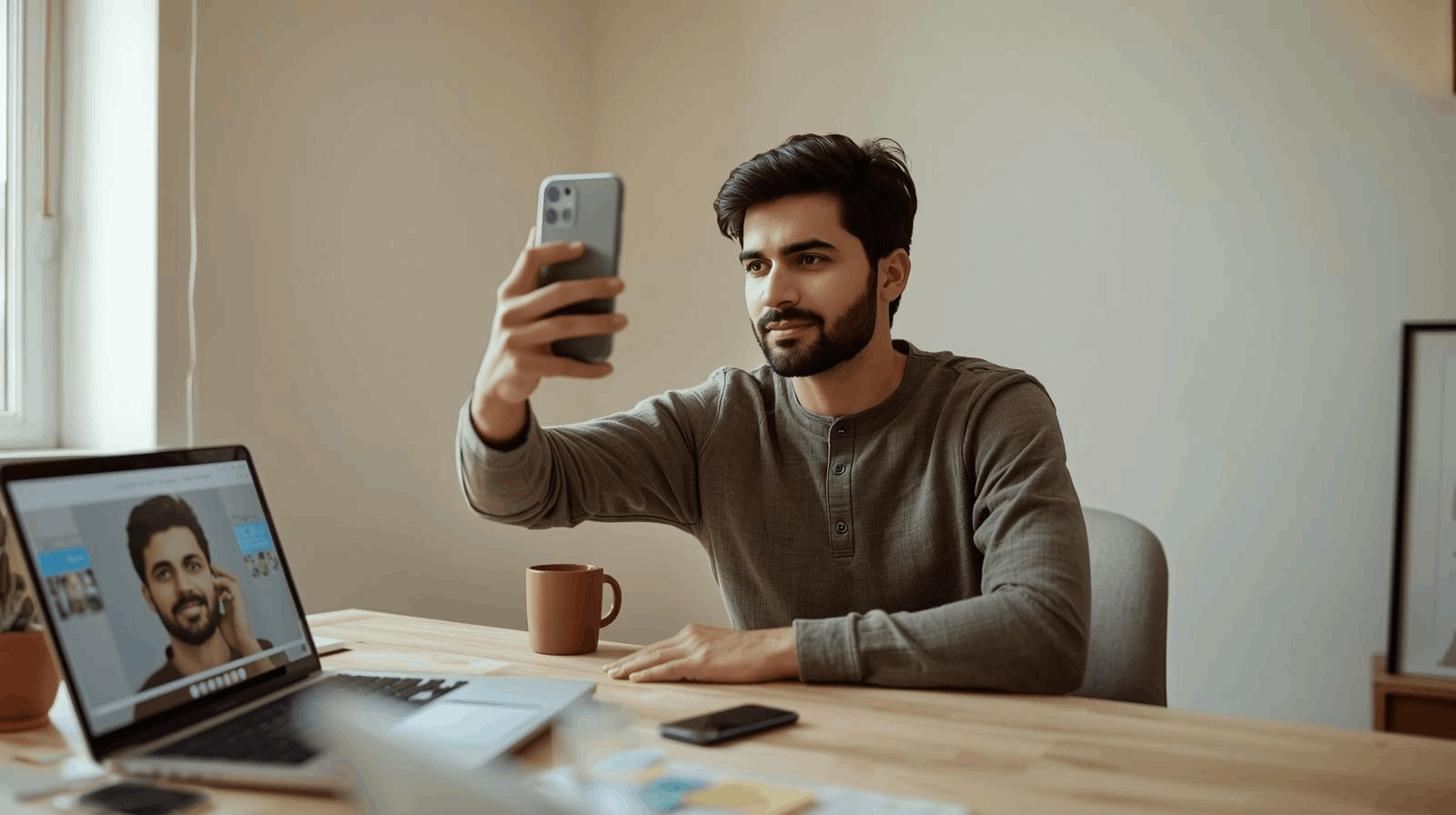
The more face data the system has been trained on, the better it handles edge cases. Unusual lighting, strong facial hair, distinctive eye shapes.
This is why results vary so much between platforms. A tool trained on 10 million faces will outperform one trained on 500,000, even if the interface looks identical.
The Uncanny Valley Problem Is Shrinking
There is a well-documented phenomenon where near-realistic faces feel unsettling rather than convincing. AI avatars hit this wall constantly.
The mouth moves slightly wrong. The eyes do not quite blink at the right speed. The skin texture is smooth in a way real skin never is.
I think this is still the biggest unresolved issue in avatar generation as of 2026, and I would be skeptical of any platform claiming it has fully solved it. The best tools minimize the effect. None have eliminated it entirely.
The Four Platforms That Actually Deliver Results
Plenty of options exist. Most are not worth your time as a beginner. These four consistently produce usable output without requiring technical expertise.
| Platform | Best For | Cost | Export Quality |
|---|---|---|---|
| Lensa AI | Realistic portrait avatars | Paid, limited free trial | High |
| Ready Player Me | Cross-platform VR/AR use | Free with paid upgrades | Medium-High |
| Picsart | Quick social profile images | Free starter tier available | Medium |
| Microsoft Teams Avatars | Work meetings, no install needed | Included with Teams | Medium |
The takeaway: Ready Player Me is the strongest free option for versatility. Lensa AI produces the most visually striking results if you are willing to pay.
Ready Player Me lets you export the same avatar into dozens of different apps and virtual spaces, which saves time if you are building a consistent digital presence.
What to Look for Beyond the Feature List
Customization depth matters more than people expect. Some platforms let you adjust individual facial features, hairstyle, accessories, and background. Others give you a slider and call it done.
If you are using the avatar professionally, look for:
- Export resolution of at least 1080px
- Commercial use rights in the terms of service
- The ability to update or regenerate without losing your base settings
Getting Your First Avatar Right
The process is similar across most platforms. The variables that actually affect quality are in your control before you even open the app.
The Photo You Upload Matters More Than the Tool
Beginner mistake: blaming the platform for a bad output when the source photo was the problem.
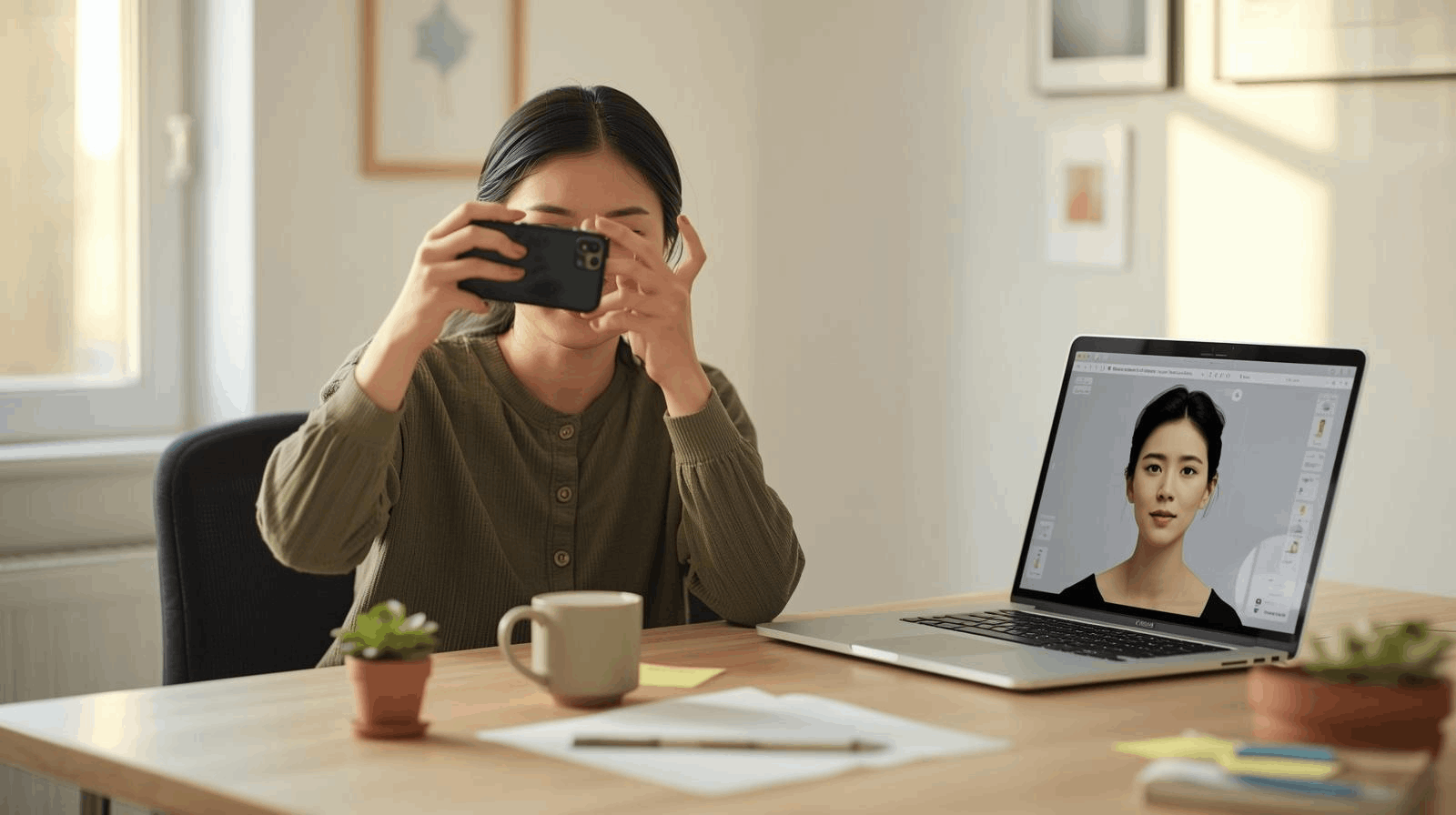
Strong, even lighting makes the biggest difference. Natural light facing a window works better than overhead indoor lighting. Avoid glasses, hats, or anything that covers your face. A neutral or simple background removes one more variable.
One photo is rarely enough. Upload three or four variations and compare results. A slight head angle change or a different expression can produce dramatically different outputs from the same tool.
Customization Is Where You Make It Yours
Once the AI generates a base avatar, most platforms open a customization layer. Skin tone, eye color, hairstyle, clothing, background. This is where generic avatars become recognizable ones.
I think most beginners abandon customization too early, and the result is an avatar that could belong to anyone. Spending an extra five minutes here produces something far more useful.
Adding a signature accessory or consistent color palette also makes your avatar recognizable across platforms, which matters if you are building any kind of online presence.
The Privacy Detail Most People Skip
This is where I genuinely disagree with the common advice to just try a bunch of free tools and see what sticks.
I would not upload my face to an unknown service without reading its data policy first, because many free-tier avatar generators retain your uploaded images to train future models.
Check for three specific things before uploading anything:
- Does the platform delete your photos after processing?
- Does the terms of service mention using your data for model training?
- Is the company based in a region with enforceable data protection law?
Lensa AI's privacy documentation is more detailed than most competitors on this point. It is worth reading before you upload if privacy is a concern.
Free tools are fine. Just know what the actual cost is before clicking accept.
What "Realistic" Actually Means (And Why the Definition Varies)
Photo-accurate and realistic are not the same thing. An avatar that captures your energy, your usual expression, and the rough shape of your face can feel more you than a technically precise digital copy that somehow looks like a mannequin.
Facial Details That Signal Authenticity
The best avatars preserve what makes a face specific. Natural hair texture rather than painted-on hair. Eye shapes that are asymmetrical the way real eyes are. Subtle skin variation instead of airbrushed smoothness.
Even a feature like freckles increases perceived realism significantly, because it signals the AI actually processed the individual face rather than defaulting to a generic template.
Lighting Is the Detail That Separates Good From Great
Advanced platforms analyze the light direction in your source photo and generate matching shadows on the avatar. This sounds minor. It is not.
Consistent lighting is one of the strongest visual cues that something is real. When the light on the avatar comes from a different angle than the background, the brain flags it immediately.
Questions People Ask About AI Avatars
Q: Can I use a free AI avatar for professional purposes like LinkedIn or a work portfolio? Check the export license before you post. Several free platforms watermark outputs or restrict commercial use in their terms. Paid tiers typically remove these restrictions, and the resolution difference is usually noticeable at profile sizes.
Q: How many photos should I upload to get the best result? Most platforms recommend between 10 and 20 varied photos for highest accuracy, though some generate a usable result from a single image. More input means the AI has more reference points for your specific face structure. The variation in lighting and angle matters more than the total number.
Q: Do AI avatars work equally well for all skin tones and hair types? Not yet. Platforms trained primarily on lighter-skinned faces still struggle with darker complexions and textured hair. The gap has narrowed since 2023, but it has not closed. Testing two or three platforms before committing to one is worth doing if this is a concern.
Q: Can someone tell if a profile picture is an AI avatar? Increasingly, yes. Certain tells persist across platforms: overly smooth skin, symmetry that is too precise, slightly off ear rendering, backgrounds that blur unnaturally. Stylized avatars draw less scrutiny than near-photorealistic ones, which is worth considering depending on how you plan to use it.
Conclusion
Getting your first AI avatar right is a few decisions, not a complicated skill. Pick a platform that fits your actual use case, start with a well-lit photo, and spend a few minutes in the customization layer instead of taking the first generated output.
The technology in 2026 is good enough that a beginner can produce something genuinely polished.
The only thing standing between you and a digital face worth using is taking ten minutes to actually try it.