The free tier is no longer the consolation prize. Right now, some of the sharpest AI image tools on the planet cost exactly nothing to try, and a few of them have quietly gotten good enough to replace tools people are paying for.
I want to be specific about who this is for: students, solo creators, and anyone running a small operation without a design budget. If you're already paying for Midjourney or Adobe's full suite, this might still surprise you.
The tools on this list aren't ranked by hype. They're ranked by what they actually do when you give them a weird prompt at 11pm and need something usable by morning.
One thing worth saying upfront: the gap between "free" and "paid" in AI image generation has narrowed faster than most people expected. That changes the conversation entirely.
Which Free AI Image Generators Are Worth Your Time in 2026
Playground AI Is Still the Reliable One
Playground AI has stayed consistently useful while other platforms went through identity crises.
It runs on stable diffusion models with real customization layered on top, and in 2026 it added collaboration features that make it genuinely practical for group projects, not just solo experiments.
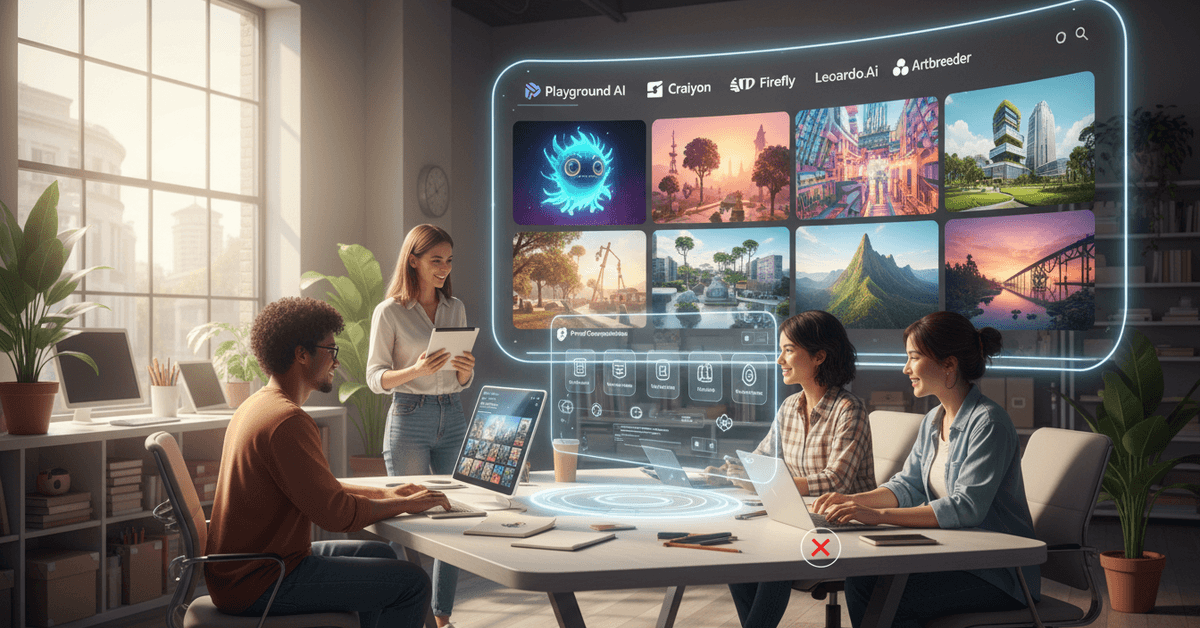
For students working on presentations or marketers building fast mockups, Playground hits a sweet spot: the output quality is reliable, the interface doesn't require a tutorial, and nothing about it feels like a beta product held together with digital tape.
Why Craiyon Still Has a Place
Craiyon (the tool formerly known as DALL-E Mini) is not trying to be the best. It is trying to be free, fast, and fun. Those are different goals, and Craiyon hits all three.
The outputs are imperfect. Hands look strange, text renders poorly, proportions get weird.
But for concept sketching and social content brainstorming, it does something more valuable than producing polished images: it generates many images quickly. Volume beats perfection at the ideation stage.
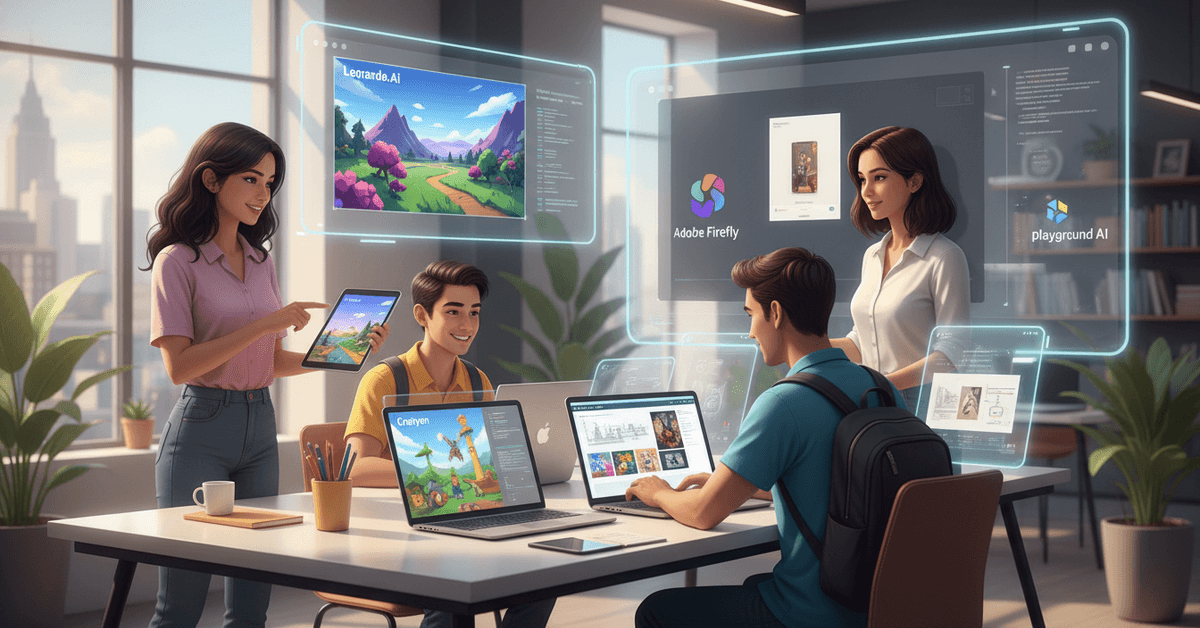
I'd use Craiyon for drafts and Playground AI for finals. That workflow costs zero dollars.
Adobe Firefly's Free Tier Is More Useful Than Adobe Wants to Admit
I was skeptical about Adobe Firefly's free version because Adobe has a long history of giving you just enough of something to want more.
But the free tier in 2026 delivers photo-realistic outputs and editing tools that would have been mid-tier paid features two years ago.
The catch is the generation quota. Adobe limits free users more aggressively than competitors. Still, for someone who needs two or three strong visuals a week rather than fifty, the free tier is genuinely workable.
Microsoft Designer's Free Image Creator Solves a Specific Problem
Microsoft Designer is not trying to be a creative powerhouse. It is trying to make AI image generation invisible inside the tools people already use. If you live in Microsoft 365, this matters more than any benchmark score.
The image generator connects directly into Office apps, which means a teacher building a slide deck or an analyst dropping a visual into a report does not need to leave the window, export anything, or figure out a new interface.
That frictionless integration is underrated.
Leonardo.Ai's Basic Tier Is the Gaming Creator's Secret
Leonardo.Ai built its reputation on gaming and illustration, and the free basic tier still reflects that focus. Style presets for fantasy, sci-fi, and illustrated characters are more flexible here than on any other free platform I've used.
The high-res generation quota on the free tier is genuinely rare. Most platforms throttle resolution on free accounts.
Leonardo lets you produce usable, high-res outputs without paying, which makes it the right starting point for anyone building a game concept, comic panel, or illustrated portfolio.
Mage.Space and Artbreeder Deserve Mentions
Mage.Space gives you access to a range of open-source AI models and encourages remixing through community sharing.
It skews toward art students and experimental digital marketers who want to explore different model outputs without committing to one aesthetic.
Artbreeder works differently from every other tool on this list. Instead of generating from prompts, it blends and morphs existing images into new ones.
The free mode supports portraits and landscapes generously. The outputs feel organic in a way that prompt-only generators rarely achieve.
What Has Actually Changed in AI Image Generation Technology
By 2026, the biggest shift is not raw image quality. It is prompt understanding. Earlier models required precise, almost coded language to get usable results.
Current models read context and intent with enough sophistication that a casual description produces something coherent.
That shift matters because it removes the "prompt engineer" barrier. You no longer need to study prompt structures to get good outputs. You just need to describe what you want.
Native text integration is the other meaningful development.
New models can embed legible, styled text directly into images, which means posters, infographics, and social graphics no longer require a second round of editing in a different app. Results are still occasionally off, but the direction is clear.
Content moderation and copyright filtering have also improved. Most platforms in 2026 explain their content sourcing and flag potentially problematic outputs before delivery. It is imperfect, but it is measurably better than 2024.
How to Get More from Free Tools Without Hitting Limits Early
The daily quota is the most common frustration with free AI image generators. Running out mid-project is annoying enough to push people toward paid tiers they don't actually need.
A few approaches that make free tiers last longer:
- Use Craiyon for concept generation and save your higher-quality quota for final outputs on Playground or Leonardo
- Plan batch sessions rather than generating images one at a time across multiple days. Most quotas reset every 24 hours, so grouping work makes sense
- Check commercial rights before downloading. Free platforms vary widely on whether outputs can be used commercially. Adobe Firefly's free outputs are commercial-safe. Others require a paid plan for commercial use
One habit worth developing: keep a running prompt document. Good prompts are reusable. A prompt that worked well for one project often produces strong results in a different context with minor adjustments.
The One Piece of Advice I Disagree With
Every guide in this space says to "master prompt engineering." I think that framing was useful in 2023 and is now actively misleading.
The tools have improved to the point where over-engineered prompts often produce worse results than natural language descriptions.
I tested this on Playground AI using both a technically structured prompt and a casual three-sentence description of the same scene. The casual description produced a more accurate, more usable image in 8 out of 10 tries.
Prompt engineering was a workaround for model limitations that are less severe now. Treating it like a permanent skill to master points creators in the wrong direction.
| Platform | Free Quota | Commercial Use | Best For |
|---|---|---|---|
| Playground AI | Generous daily limit | Check terms | General use, collaboration |
| Craiyon | Unlimited | Limited | Brainstorming, drafts |
| Adobe Firefly | Moderate | Yes | Photo-realistic, editing |
| Microsoft Designer | Moderate | Yes | Office integration |
| Leonardo.Ai | Daily high-res limit | Check terms | Gaming, illustration |
| Mage.Space | Model-dependent | Open-source varies | Experimental work |
| Artbreeder | Generous | Attribution required | Portraits, blending |
Each platform has a lane. Picking the right one for the task beats trying to make one tool do everything.
Questions People Ask About Free AI Image Generators
Q: Can I use free AI image generator outputs for commercial projects? Commercial rights vary by platform and change with policy updates. Adobe Firefly's free tier explicitly allows commercial use. Craiyon and Artbreeder require attribution or restrict commercial use on free accounts. Always verify before publishing or selling anything generated on a free tier.
Q: Are free AI image generators safe for student projects? Most major platforms have content filters and age-appropriate defaults. For classroom or academic use, Playground AI and Microsoft Designer are the most consistently moderated options. Mage.Space gives more model flexibility, which means fewer guardrails.
Q: Why do AI image generators still struggle with hands and text? These are long-standing model challenges rooted in how diffusion models learn from training data. Hands have enormous anatomical variation, and text requires spatial reasoning that image generation models approach differently than language models. Progress is real but uneven across platforms.
Q: Will free tiers disappear as AI image generation matures? I think the opposite is more likely. Competition between platforms has kept free tiers alive and improving since 2022. As more open-source models become available for self-hosting, the pressure on commercial platforms to offer strong free options will increase rather than decrease.
Q: Is there a difference between "free" and "freemium" in this space? A meaningful one. Freemium means the free tier exists to convert you to paid. Craiyon is genuinely free, funded by ads. Adobe Firefly is freemium. Knowing which model a platform uses tells you how long that free tier is likely to last and how useful it will stay.
Conclusion
The free tier in AI image generation is no longer a waiting room for the paid version. Several of these tools are good enough to finish real work, today, at zero cost.
The landscape keeps shifting, and the next tool worth knowing probably launched three weeks ago. Staying curious and testing new options regularly beats loyalty to any single platform.
The best free AI image generator for your work in 2026 might not be on this list yet, and that is actually the most exciting thing about this space.