Smartphones aren’t just sleek gadgets—they’re pocket-sized marvels loaded with sensors. But have you ever paused and wondered, “What does my phone actually track?” If so, you’re not alone.
Many people are curious (sometimes even a bit uneasy) about what’s going on inside that slim metal rectangle. This guide breaks down the key smartphone sensors, what data they collect, why they matter, and how they quietly shape your daily experience.
If you use technology to be more productive, stay connected, or just love learning how things work—you’ll find plenty of practical insights here.
Why Do Smartphones Have So Many Sensors?
Before diving into specifics, consider this: sensors are the invisible backbone of your mobile experience. They help everything from taking crisp photos to making navigation apps work.
You might not think about them, but without these tiny components, your favorite features wouldn’t exist.
Tech manufacturers pack these sensors in for convenience and innovation, but perhaps the real benefit is how seamless your day becomes—a map knows where you are, your photos auto-rotate, even your fitness stats track in the background.
Main Sensors in Your Smartphone
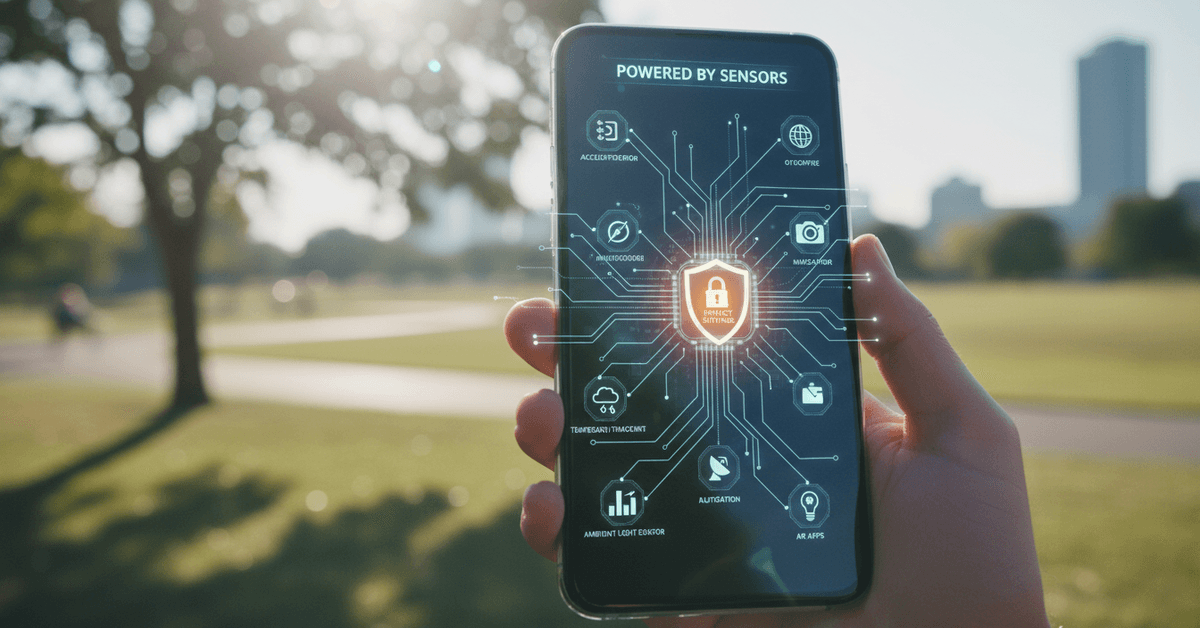
Let’s get practical. Here are the sensors most commonly found in modern smartphones and what they’re actually tracking. Not every phone has all these—some have more, some fewer. But these are the usual suspects.
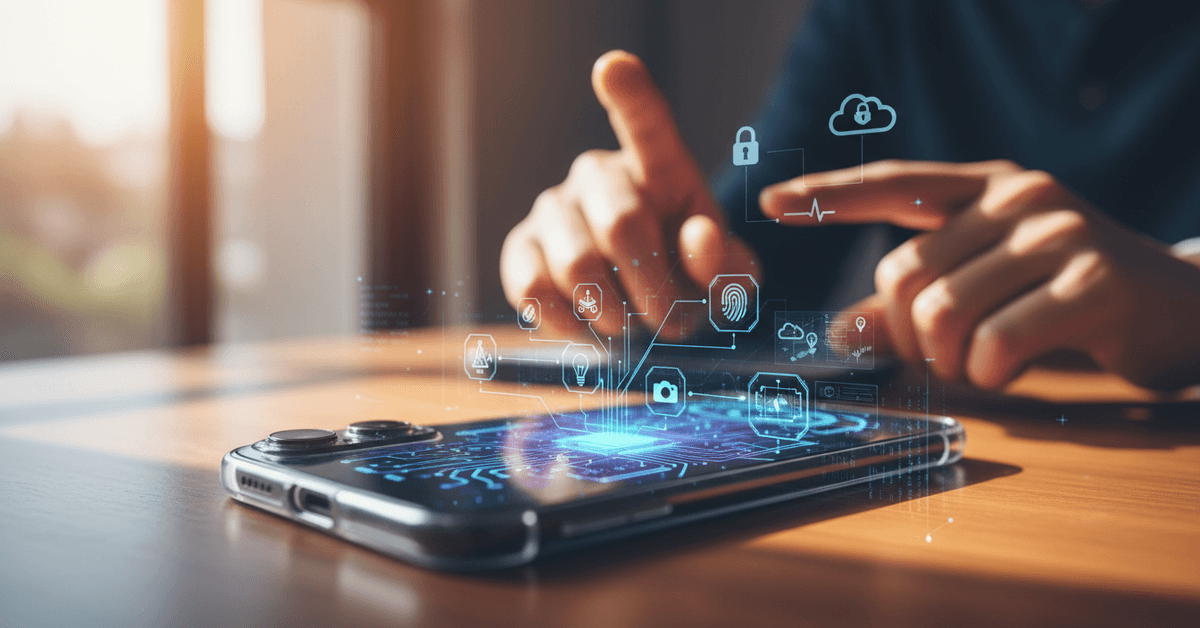
Accelerometer
The accelerometer is almost everywhere. It tracks changes in motion or orientation. So when your phone flips between portrait and landscape, or counts your steps, you’re seeing it in action.
Some productivity apps even use accelerometer data for motion-based tasks. It's subtle, but vital.
Gyroscope
The gyroscope pairs with the accelerometer to provide precision about how your phone tilts or rotates. Gaming? VR apps? Enhanced navigation? All rely on the gyroscope.
It’s fascinating—imagine streaming a 360° video and “looking around”—the phone senses your movement and shifts the view accordingly.
Magnetometer
Ever used your phone as a compass? That’s the magnetometer at work. It detects the Earth’s magnetic field, letting certain apps know which direction you’re facing.
You might not use it directly often, but map accuracy often depends on this quiet, background hero.
Proximity Sensor
Cover your phone’s top edge while on a call—notice it goes dark? That’s the proximity sensor turning off the screen to save battery and prevent accidental taps. On some phones, proximity data also supports gesture controls.
Ambient Light Sensor
The ambient light sensor measures surrounding light to adjust screen brightness automatically. This makes things easier on your eyes—and stretches battery life. It’s one of those features you probably rarely notice, but would miss if it disappeared.
Barometer
Want to know your altitude or see if it’s about to rain? Some phones include a barometer to detect air pressure changes. Fitness tracking apps benefit (for counting stair climbs), and weather apps can refine hyper-local forecasts using this data.
Fingerprint Scanner
This sensor makes unlocking phones or authorizing payments easier and more secure.
Modern fingerprint sensors use advanced tech—ultrasonic waves, optical scanners—to scan and verify your unique fingerprint pattern. Security, but also a bit of personal convenience.
Face Recognition Sensors
On newer devices, cameras combine with infrared points or other sensors to enable facial recognition.
These systems track detailed facial features for unlocking and, increasingly, for payments. It’s controversial for privacy, so if you’re wary, you’re not alone.
GPS (Global Positioning System)
While technically a receiver, the GPS sensor in your phone tracks its location using signals from satellites. Navigating cities, tagging photos, or finding your lost device—GPS is indispensable.
Yet, you probably know it’s also a source of privacy concern. Apps with location access can sometimes follow your movements more than you realize.
Camera Sensors
Every phone has a camera sensor, but it’s more than just snapping photos. Camera modules detect light, focus, and sometimes even depth or motion through auxiliary sensors.
The sheer advancement in embedded photography often goes overlooked—but every productivity tip about scanning docs or collaborating visually, you can thank these sensors.
Other Specialized Sensors
- Hall sensors: Detect when your phone case is open/closed (like “smart case” covers).
- Temperature & humidity sensors: Once rare, now seen in some phones aimed at adventure or outdoor use.
What Data Do These Sensors Really Collect?
Let’s be real—your phone records more than you might expect. Sensors, in essence, convert physical actions or environments into digital info. Here’s a closer look at what’s actually being tracked.
Motion and Position Data
- Steps walked or run
- Device orientation (eg. upside down, flat, in-motion, stationary)
- Direction, rotation, and tilt for gaming or AR/VR features
This data isn’t always stored; it’s often processed on-device and discarded. But apps with tracking permissions (like health or fitness apps) may keep logs for you—or, if you allow it, to send to their services for deeper analysis.
I sometimes find it surprising how much health data gets aggregated, especially if you use several apps by different developers.
Environmental Data
- Background lighting conditions (for auto-brightness)
- Current atmospheric pressure (for weather/location prediction)
- Potentially, room temperature or humidity
The benefit here is subtle—your phone may feel “smarter” with customized settings, but if environmental data is stored over time, it can contribute to sophisticated behavioral predictions. There’s benefit, but also risk if used poorly.
Location Tracking
- Your GPS coordinates (real-time and sometimes historical)
- Network-based location (using cell towers, Wi-Fi access points)
- Direction or heading (magnetometer/compass data)
I sometimes hesitate over location permissions myself. It’s worth remembering: disabling GPS doesn’t mean complete privacy—apps can sometimes triangulate using Wi-Fi or Bluetooth.
But of course, most everyday users accept some location tracking in exchange for navigation or delivery convenience.
Biometric & Security Data
- Fingerprint patterns and facial feature maps (usually encrypted and stored securely)
- Device usage habits (how often you unlock, preferred methods, etc.)
Most platforms secure this data on the device. Still, the mere existence of biometric data raises privacy questions—especially if you’re concerned about using your phone for payments or sensitive logins.
How Sensor Data Fuels Productivity Apps and Features
Perhaps the strongest case for using these sensors is productivity. Let’s look at a few ways sensor data makes you more efficient—or at least makes modern tech smoother.
Automated Screen Adjustments
Ambient light and proximity sensors enable screens that adapt—lowering brightness in dark rooms or shutting off when your phone is against your face.
It’s simple, but when you switch phones or disable auto-brightness, you quickly notice what’s missing.
Fitness and Health Tracking
Accelerometer and gyroscope data drives step counting, activity recognition, or even sleep analysis. Productivity-focused users might use this for daily habit tracking or to find patterns that support work-life balance.
I admit, I sometimes find myself checking weekly stats even though I doubt their perfect accuracy—still, it’s motivating.
Smart Automation and Shortcuts
Many Android or iOS automation apps can trigger actions based on sensor states—like switching on do-not-disturb at bedtime, or launching your music app when you put on headphones.
Here, sensors quietly enable workflows that feel “magical” because everything just… works.
Navigation and AR Features
Combining accelerometer, gyroscope, magnetometer, GPS, and camera sensors enables smooth directions and augmented reality overlays.
The result? Smoother commutes or innovative learning apps (think: language labels hovering over street signs).
How You Can Control What Your Smartphone Tracks
Controlling what your smartphone tracks starts with reviewing permissions regularly. Most phones let you see which apps can access location, camera, microphone, contacts, and other sensor-related features.
Check App Permissions
Go to your phone settings and open the apps or permissions section. Review which apps can use your location, camera, microphone, and nearby device access. If an app does not need that access to function, turn it off.
Limit Background Tracking
Some apps continue collecting location or activity data when you are not using them. Change access from “always” to “only while using the app” when possible.
Watch for Unusual Requests
If a simple calculator or flashlight app asks for location or microphone access, deny it.
Some sensors cannot be fully disabled, but limiting third-party permissions reduces unnecessary tracking. Review old apps occasionally, because many keep permissions you may have forgotten.
Conclusion
Understanding smartphone sensors helps you see what your phone actually tracks, from motion, location, light, and sound to fingerprints or face data. These features improve convenience, safety, and app performance, but they also affect privacy.
Review permissions regularly, limit unnecessary access, and keep your device settings aligned with your comfort.