Digital gadgets, smart home devices, and computers are crucial to how we live and work now. But every time there’s a thunderstorm or grid overload, these essentials are at risk.
Whether you’re a remote worker, student, or tech enthusiast, power surges can knock out your devices and sometimes your data, too. The good news? You can take proactive steps to keep your electronics safe and your workflow uninterrupted.
What Is a Power Surge?
You’ve heard the term “power surge,” but what does it actually mean? Simply put, a power surge is a sudden, brief spike in voltage running through the electrical system of your home or office.
While normal outlets in most regions provide about 120 or 230 volts (depending where you live), during a surge, that voltage can shoot up much higher—sometimes well over 1000 volts for a split second.
Why Do Power Surges Happen?
Well, several things can cause them. The most common are:
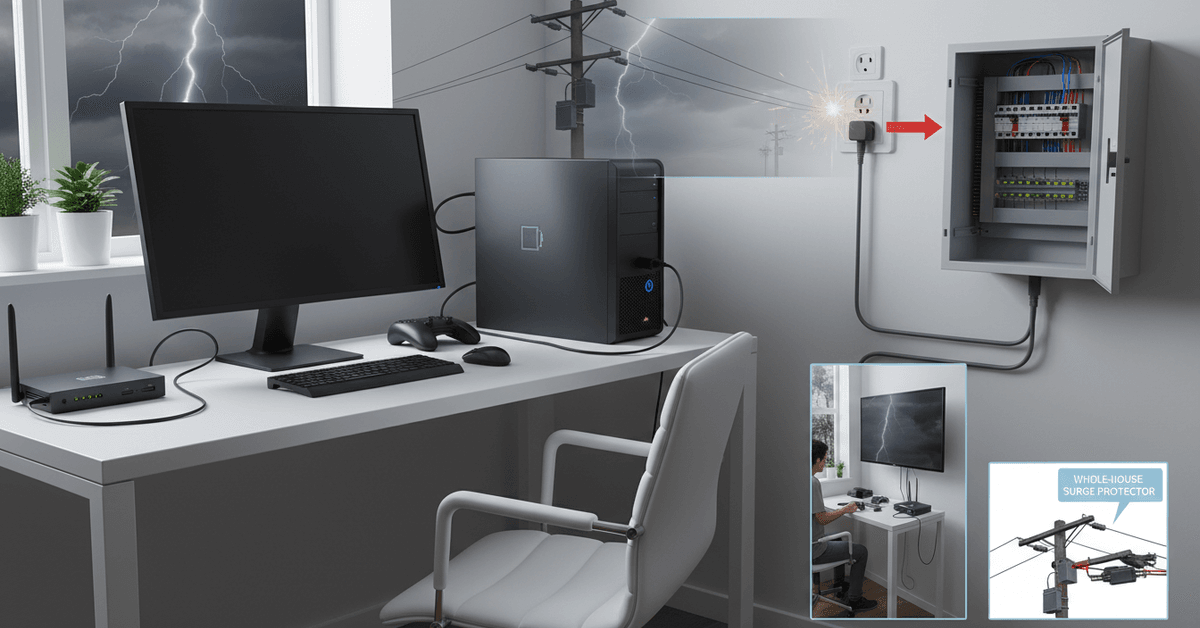
- Lightning strikes
- Problems with utility lines or grid equipment
- When large appliances (like air conditioners) cycle on and off
- Faulty household wiring
It’s one of those situations where problems often show up suddenly. Even if you’re careful, you can’t always anticipate them ahead of time.
Why Power Surges Are Dangerous for Your Devices
It might sound harmless—just a quick flash of voltage, right? Not quite. Electronics, especially things like laptops, gaming consoles, and smart assistants, are surprisingly vulnerable to sudden changes in electrical flow.
High-voltage spikes can instantly fry delicate circuits, brick power adaptors, and—though it’s rare—even spark a fire.
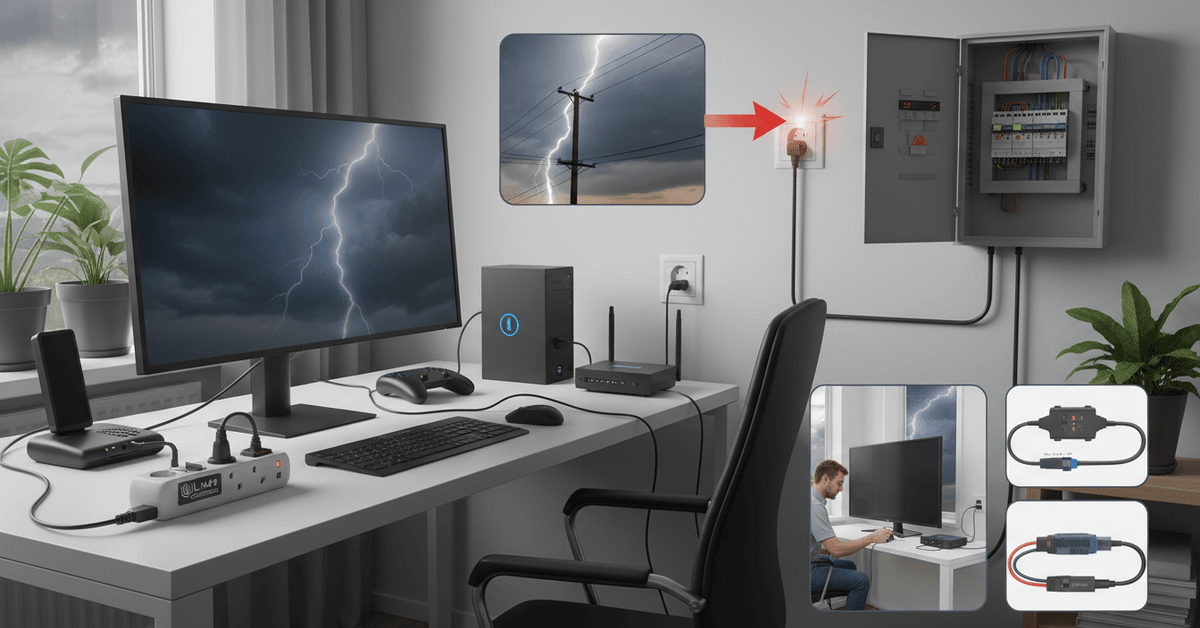
Risks to Productivity and Data
Aside from hardware repairs, there’s also a risk of losing unsaved files, corrupting project data, or messing up cloud syncing.
I’ll be honest, one accidental shutdown has seriously set back my own work before. It’s frustrating, and pretty avoidable if you know what to do.
How to Protect Your Electronics During a Power Surge
Let’s move from theory to solutions. Thankfully, some of these are simple fixes; others might involve a weekend project, but all are worth it if you rely on digital tools daily.
Invest in Quality Surge Protectors
This is the single most common recommendation for a reason. Surge protectors work by detecting excessive voltage and diverting it away from your devices. Not all strips are equal—some power strips barely do more than add extra outlets.
If the packaging specifically lists a “joule rating” (indicating how much surge energy it can absorb) and auto-shut-off features, you’ve got a real surge protector.
- Look for UL 1449 certification —this means it’s tested for safety.
- Choose a model with a joule rating of at least 1,000 for major devices like PCs or TVs.
Be cautious: Don’t daisy chain surge protectors (plugging one into another). It’s not just ineffective—it can be dangerous.
Consider an Uninterruptible Power Supply (UPS)
If you’re working with desktops, servers, or essential home office gear, a UPS gives you backup battery power plus advanced surge protection.
It bridges the gap between power failure and your next save—crucial for any student or remote worker in the middle of a crucial task.
- Basic models offer 10–20 minutes of battery, enough to save work and shut down safely.
- High-end UPS units can power small workstations for an hour or more.
Most come with software that will even automate safe shutdowns in a blackout. That feature alone can save untold headaches.
Check Your Home Wiring and Outlets
Often overlooked, but faulty wiring can increase your surge risk—especially in older buildings. If you notice buzzing outlets, flickering lights, or burnt smells, don’t shrug them off.
It could be time for a professional inspection. And honestly, getting it checked can prevent far bigger (and costlier) issues later.
Unplug During Storms—or When Away
This tip is almost too simple, but it really works. During lightning storms, or when you know you’ll be gone for a weekend or longer, unplug your most important electronics.
Unlike with surge protectors or UPS, unplugging completely isolates devices from power and any surges that might sneak past.
- Remember to unplug routers, modems, and other connected devices—not just computers and TVs.
- Smart plugs are handy for remote shutdowns if you forget before leaving home.
What to Look for When Shopping Protection Gear
Navigating the world of surge protection accessories can be overwhelming. A few pointers I’ve learned after burning through a couple of cheap strips:
- Check the clamping voltage: The lower, the better; it’s the point where the protector diverts surges (around 400V or less is ideal).
- Joule rating matters: Higher ratings mean greater capacity for protection.
- Auto Shutoff features: These cut power if the protection fails, so faulty strips don’t keep giving you a false sense of safety.
- Indicator lights: Useful for confirming your protector is still working.
I once made the mistake of ignoring indicator lights—turns out, when the LED goes dark, the protection inside the strip is done. Replace them promptly.
Advanced Solutions for Sensitive Gadgets
If you use smart home tech, NAS storage, or expensive AI devices, basic surge strips may not be enough. Here are a few specific measures:
Whole-House Surge Protectors
Installed directly at your main electrical panel by an electrician, these block surges before they ever reach your wall sockets.
It can be a pricier upgrade, but if you’re in an area with frequent grid issues or lots of thunderstorms, it brings peace of mind. Usually, these work alongside plug-in protectors for an added layer of defense.
Ethernet and Phone Line Protectors
Some surges slip in through data lines, damaging routers or smart home hubs. Special Ethernet or coaxial protectors are designed for this, especially useful if you’ve automated much of your home or office.
It may feel like overkill—but the day your mesh network gets zapped, you might think otherwise!
Productivity Tips to Minimize Damage and Downtime
Unexpected power issues can still happen even if you have surge protection. The goal here is to reduce data loss and recover faster if your devices and appliances shut down all of a sudden.
Back Up Important Files Regularly
Automatic backups can help you save a lot of time and effort especially if you do it with both cloud storage and external drive. This protects your photos, work files, and many other documents from getting lost if your device fails after a sudden surge.
Keep Autosave Turned On
When you're using Google Docs, OneNote and many other cloud-based tools, make sure that you turn on and make good use of the autosave feature.
The autosave feature helps protect your progress whenever a sudden power outage cuts the power from your computer or if restarts unexpectedly.
Check Surge Protectors Often
Always inspect surge protects every few months. Check the indicator lights and test the buttons to see if they still work. Look for visible damage and label each surge strip with the installation date so you can tell which ones need replacing.
Conclusion
Protecting your electronics during a power surge starts with using the right hardware before problems happen.
Surge protectors, UPS units, grounded outlets, and whole-home protection can reduce the risk of damage to computers, routers, TVs, and other devices. Check ratings, replace old protectors, and unplug sensitive gear during severe storms when needed.