Freelancers have more digital tools than ever. In 2026, choosing the best task management apps is both essential and, truthfully, a bit overwhelming.
New Chrome extensions, clever AI tools, and classic productivity giants vie for your attention. But which solutions actually help you finish projects on time, communicate smoothly, and keep your digital workspace under control?
If you work for yourself—in design, writing, coding, marketing, or consulting—this article is for you. We'll break down top-rated task managers, spotlight unique features for solo workers, and share practical tips.
The goal? To help you find task management software that makes freelance life less chaotic, more profitable, and, perhaps, a bit less lonely.
Why Freelancers Need Task Management Apps in 2026?
Freelancing is liberating, but it's also tough. You're not just your own boss. You're your own admin, project manager, and IT support.
With more gigs and remote options in 2026, task management goes beyond old-fashioned to-do lists.
Rising Client Expectations
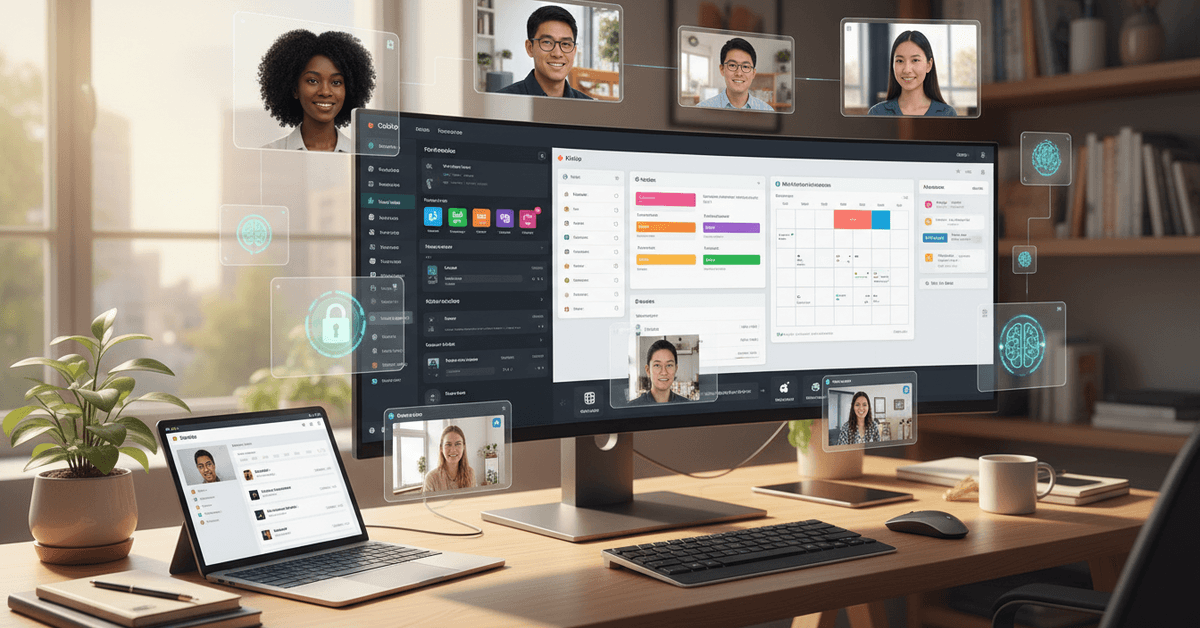
Clients expect updates, deadlines, and quick responses. A mix of chat tools and email threads? It just doesn't cut it. You need all your projects in one organized place.
AI Integration Everywhere
Top apps now predict deadlines, suggest subtasks, or even draft status updates. If you haven't tried AI-powered suggestions yet, you're probably missing out on free productivity boosts.
Juggling Multiple Projects
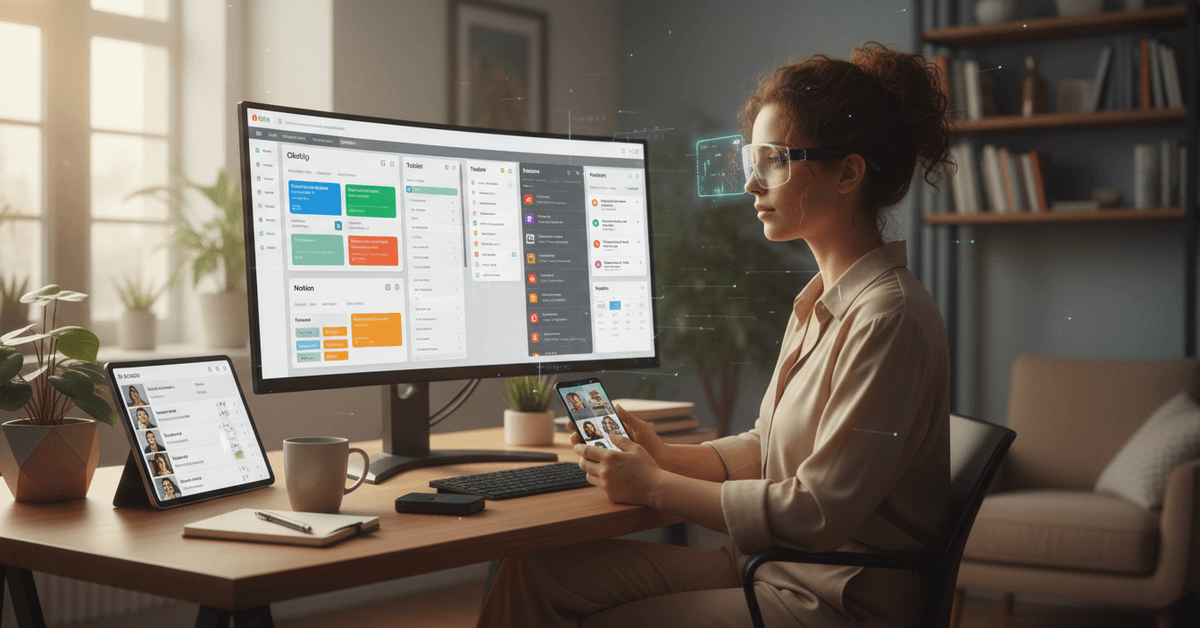
Most freelancers aren't locked into a single client. That means tracking priorities, deliverables, and payment cycles across different domains or time zones. Apps that sync calendars or client notes can be a lifesaver.
Key Features to Look for in Modern Task Apps
What really matters? It depends on your work style. Yet, for most freelancers in 2026, a few features stand out as crucial for staying productive and competitive.
- Intelligent Reminders: Smart notifications based on urgency, not just due date.
- Client Portal: Simple client-facing views or shareable boards.
- Mobile & Desktop Sync: Your lists go everywhere, seamlessly.
- Integration: Connects to Google Drive, Dropbox, invoice tools, and maybe even time trackers.
- AI Schedulers: Recommends optimal task order or time block based on patterns.
The Best Task Management Apps for Freelancers in 2026
Here’s a realistic rundown of leading task management platforms that cater to freelancers’ changing needs. I've noted both the obvious favorites and some lesser-known alternatives to give you options for almost any workflow or device setup.
ClickUp: Still the Powerhouse for Customization
ClickUp lead the pack in 2025, and it hasn't slowed down this year. With custom dashboards, built-in docs, and an AI assistant for summarization, it's especially handy for freelancers who toggle between short sprints and long-term clients. Plus, ClickUp integrates seamlessly with Google Calendar.
Todoist: Simplicity Meets Smart Scheduling
For those who just want lists, subtasks, and an uncluttered interface, Todoist keeps it simple. The 2026 version now uses AI to help prioritize your day. It's the one I personally fall back on when everything else feels too heavy.
Motion: AI-First Planning (and Surprisingly Human)
Motion grew popular for its ability to automatically reschedule tasks when priorities shift. If you're guilty of overcommitting—who isn't occasionally?—this app’s calendar AI is genuinely useful. It nudges you and rearranges work on the fly.
Notion: For Integrated Knowledge and Task Tracking
Notion is no longer just a note-taking tool. Its database templates are now tailored for freelancers with client management and invoicing built in. If you dislike switching between apps for writing, calendar, and tasks, Notion can centralize it all.
Trello: Still Great for Kanban Lovers
Trello's card-based boards remain intuitive. The new automations (or "Butler bots") help move repetitive tasks along. Its integrations with Slack and Dropbox make it a practical choice for collaborative freelance projects, too.
Linear: Sleek and Fast for Solo Developers
Linear has grown popular among freelance developers thanks to its lightning-fast interface and GitHub connections.
Its focus on speed and simplicity can be a relief in a world where software sometimes overpromises and underdelivers.
Flow Club: Social Focus for Accountability
A newer contender, Flow Club mixes tasks with accountability groups (think virtual coworking). This approach helps solo freelancers stay motivated by working "alongside" others, even remotely.
Asana: Enterprise Power Without the Bloat
Asana introduced more freelancer-friendly plans this year. Its Timeline view, recurring tasks, and robust reporting may be overkill for some, but for freelancers managing large-scale projects, it's a solid choice.
Honorable Mentions & Niche Picks
- Evernote Tasks: Great for writers or content marketers who like blending notes and action items.
- Taskade: Collaborative lists for teams if you occasionally contract out work.
- Akiflow: A focused daily planner for pomodoro and distraction blocking.
- Craft: Designed for Mac/iOS users who value design and offline-first access.
Comparing Task Apps: Which Platform Fits Your Style?
Let’s be honest: No single app is perfect for everyone. I've bounced between three or four over the years, depending on the complexity of my workload and mood.
But small things—a missed notification, an awkward syncing issue—can cost you a client or a night’s sleep.
| App | Best For | Unique Feature (2026) | Pricing |
|---|---|---|---|
| ClickUp | All-in-one, custom workflows | AI dashboard, automation builder | Free/Paid tiers |
| Todoist | Simplicity, daily planning | AI-powered task suggestions | Free/Paid Pro |
| Motion | Auto-scheduling, calendar focus | Dynamic rescheduler | Paid only |
| Notion | Integrated docs & tasks | Freelancer DB templates | Free/Paid Plus |
| Trello | Visual boards, simple projects | Butler automation | Free/Paid |
| Linear | Developers, speed | GitHub sync, fast UI | Free/Paid Pro |
Tips for Freelancers: Getting More from Your Task App
- Customize your workspace. Don’t settle for the default setup—add your workflow, tag clients, and color-code.
- Test integrations before you commit. Some apps promise seamless integration with Google Drive, but real-world syncing can be buggy.
- Enable AI features—but review results. I’ve noticed that auto-prioritizing can be hit-or-miss. Use suggestions as a starting point.
- Keep notifications in check. The right alert at the right time saves your bacon; too many, though, and you’ll just ignore them all.
- Revisit your system every month or so. As your freelance business shifts, so should your app configuration.
How AI Is Shaping Task Management for Freelancers in 2026?
AI-driven tools are, perhaps, the biggest difference in today’s apps versus just two or three years ago. We’re talking smart automation, deadline forecasts, suggested focus times—even emotional check-ins.
That said, not every freelancer wants (or needs) so much automation. Some folks still prefer manual control, and that’s perfectly valid.
Smart Automation vs. Manual Workflow
Admittedly, I've gone back and forth myself. Sometimes AI nags are invaluable; other times, they miss the mark.
The key is to experiment, toggle features on and off, and see what really helps your output—not what just looks shiny on paper.
Integrating with Invoice and Communication Tools
Linking task apps with invoice generators or Slack/Teams chat saves hours per month. In 2026, more apps offer built-in integrations. Be sure to check compatibility if you rely on fewer tools.
Conclusion
Task management apps can help freelancers organize deadlines, client work, notes, invoices, communication, and daily priorities in one clearer system.
The best choice depends on your workflow, project size, preferred layout, integrations, and how much AI automation you actually want.
It is also important to avoid overcomplicating your setup with too many features or constant notifications. With the right app and regular adjustments, freelancers can manage work more smoothly and stay focused on profitable tasks.