A logo quote from a design agency ran me a number. It was enough to make me close the tab immediately. Then a friend mentioned Midjourney, and I spent the next weekend falling down a rabbit hole that changed how I think about brand identity for small businesses entirely.
Midjourney is an AI image generator that runs inside Discord. Feed it a text prompt, get four image variations back in roughly a minute. That's the whole loop.
The tool is genuinely useful for logo concepting, but the way most people use it is wrong. There's a smarter workflow that the basic tutorials skip, and it starts before you touch a keyboard.
Your brand is a feeling before it's a shape. Get that feeling nailed first, and your prompts will be worth something.
How to Use Midjourney for Small Business Logo Design
What's the Actual Setup Process?
Midjourney lives inside Discord, not a traditional web app. That surprises a lot of first-timers. Go to the official Midjourney Discord server, accept the invite, and look for any channel labeled "newbies." That's your starting point.
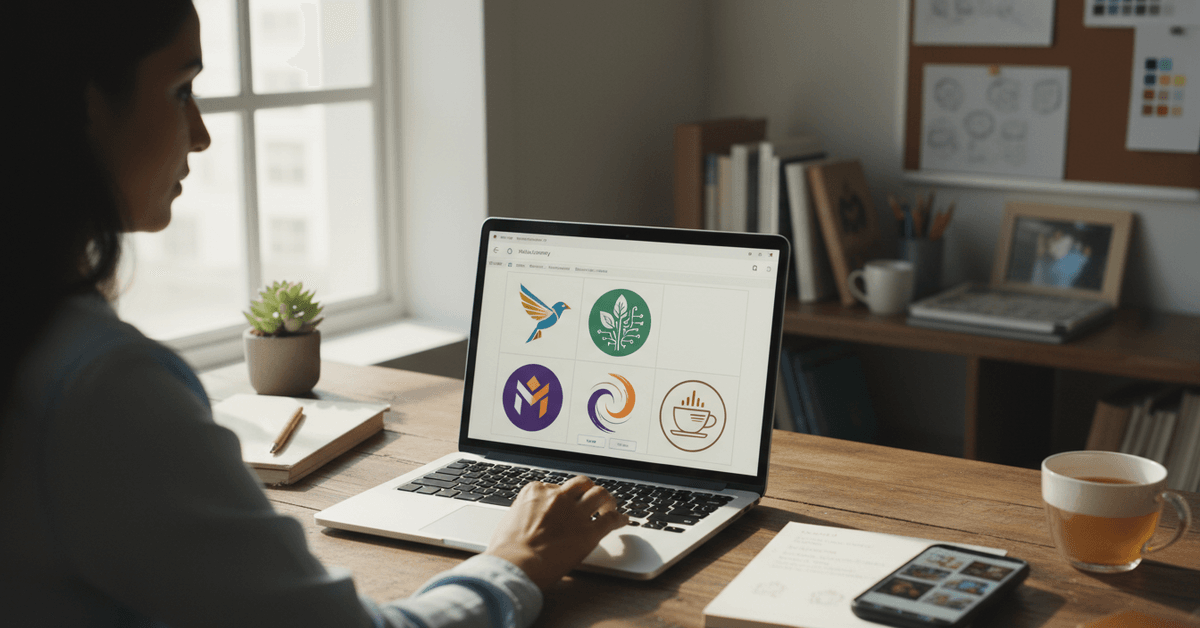
Subscriptions currently start around $10 per month for basic access. A free trial was available for a period in 2023, but availability has shifted since then. Check Midjourney's official site for the current pricing tier before committing.
Once inside a channel, type /imagine followed by your prompt text. The AI generates four image variations, usually in under 90 seconds. From there, you select, upscale, or request variations.
The Prompt Is the Skill
A weak prompt gets you something generic. A sharp prompt gets you something usable.
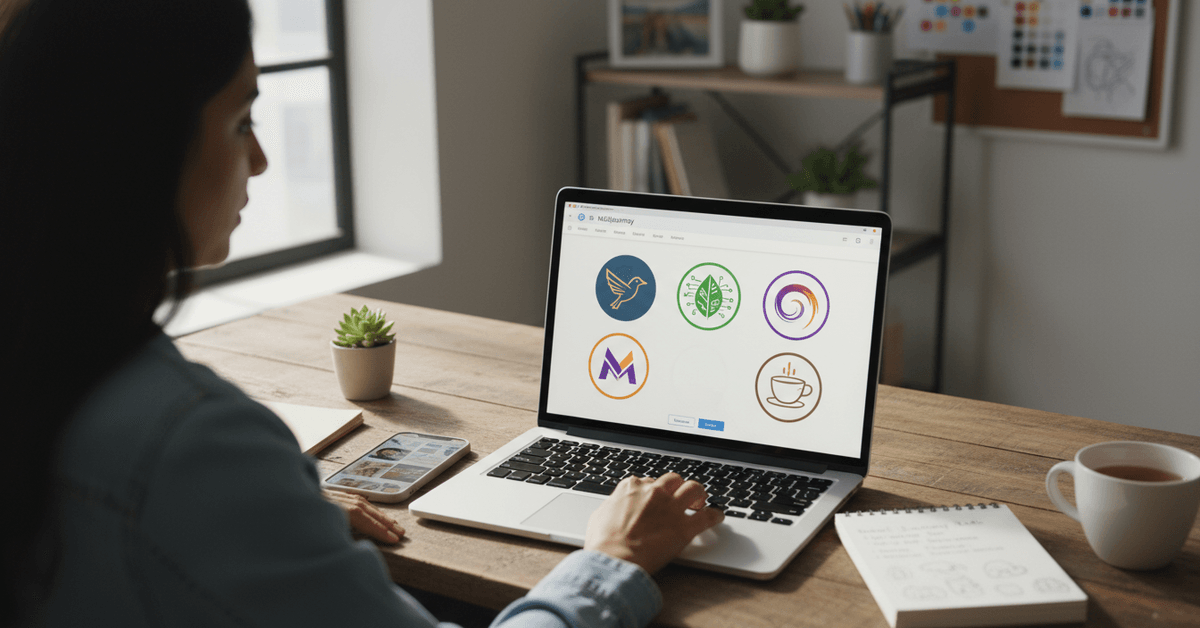
The structure that works best follows this order: subject, style, color palette, mood. For a logo prompt, that might look like: /imagine flat vector logo of a hummingbird, modern geometric, teal and slate color scheme, minimal and clean.
Notice what's not in that prompt: your business name, your industry jargon, vague words like "professional." Those details either confuse the AI or return results that look like every other startup logo from 2019.
Things that actually strengthen a Midjourney logo prompt:
- Specific style references like "retro emblem," "line art," or "Swiss modernist"
- Color relationships, not just single colors ("warm amber on deep navy")
- Mood cues that feel unusual: "quiet confidence," "playful precision," "industrial warmth"
- Explicit instruction to avoid text if you want icon-only output
Why I Disagree With the "Just Use a Template Tool" Crowd
I think the common advice to skip Midjourney and just use Canva's logo maker or Looka is genuinely bad guidance for creative businesses.
The reason is specific: template tools converge. When 10,000 coffee shops use the same Canva logo builder, they start producing variations of the same three icons in the same four color families.
Midjourney, prompted well, can produce something that template databases have never generated before.
That doesn't mean template tools are useless. For a business where the logo is functional rather than expressive, a template is perfectly fine. But if your brand identity is part of your value proposition, the ceiling on template tools is real and low.
Getting From a Raw Midjourney Image to an Actual Logo
Transparent Backgrounds Are a Separate Step
Midjourney outputs bitmap images, usually JPG or PNG, often on a background you don't want. The AI doesn't natively create isolated logo marks on transparent backgrounds. This is the step where most people either give up or make a mess.
The fix is simple: tools like remove.bg can isolate your logo image in seconds. Upload the PNG, download the version with a transparent background, and you're ready for the next phase.
Vector Conversion Matters More Than Most People Think
Bitmap logos look sharp on screens at the size they were generated. Scale them up to a banner or a billboard, and the pixelation becomes a real problem.
Vector format scales infinitely without quality loss, which is why professional print production almost always requires it.
Free tools like Vectorizer.ai can convert your Midjourney PNG to an SVG. For anything going to large-format print, it's worth paying a designer a small hourly rate to clean up the vector conversion manually.
Automated tools are good but not perfect on complex shapes.
Adding Your Business Name to the Design
Midjourney handles imagery better than typography. It tends to hallucinate or distort text when you include words directly in a prompt.
The smarter workflow is generating the icon element separately, then adding your business name in a dedicated design tool.
Canva handles this well for most small businesses. Photopea is a free browser-based Photoshop alternative that gives you more control. For anything requiring precise kerning or custom font licensing, Adobe Express or Illustrator are the better choices.
The Comparison Most Tutorials Skip
| Tool | Strength | Limitation | Best For |
|---|---|---|---|
| Midjourney | Creative originality, speed | No vector export, no text | Icon and symbol generation |
| Canva Logo Maker | Easy text integration | Template-based, less unique | Full logo with business name |
| DALL-E 3 | Accessible via ChatGPT | Less stylistically controllable | Quick ideation, not final output |
| Looka / Hatchful | End-to-end logo workflow | Feels generic at scale | Businesses needing speed over originality |
The takeaway: Midjourney wins on creative range. Everything else on that list wins on convenience. Your workflow might combine two of them.
Where Your Logo Actually Ends Up
A finished logo needs to work across a range of contexts, and that's worth planning for before you finalize anything.
Common placements to test your design against:
- Website header (usually wide and horizontal)
- Favicon (16x16 pixels, needs to read as a single clear shape)
- Social media profile pictures (square, usually cropped into a circle)
- Business cards, both digital and print
- Email signatures and invoices
The favicon test is brutal and useful. If your logo symbol doesn't hold up as a tiny square, the design has complexity problems. Simplify before you finalize.
Legal Reality Check on AI-Generated Logos
Midjourney's Terms of Service have evolved significantly since the platform launched. Paid subscribers generally retain rights to use their outputs commercially, but this is worth verifying against the current terms rather than assuming.
The bigger issue for any business planning trademark registration: AI-generated images are harder to trademark because they may not meet the originality threshold that intellectual property law requires in some jurisdictions.
If trademark protection matters to your business, work with an IP attorney before registering anything Midjourney produced.
For most small businesses at early stages using logos on websites, social media, and basic print materials, AI-generated logos are practically fine. The legal complexity increases as the brand grows.
Questions People Ask About Using Midjourney for Logo Design
Q: Do I need design experience to use Midjourney for logos? No specific design background is required, but you'll get better results if you can describe visual style with some precision. Spending 20 minutes looking at logo style references before writing your first prompt makes a noticeable difference in output quality.
Q: Can Midjourney create a logo with my business name included? Midjourney struggles with accurate text generation and frequently distorts or hallucinates words inside images. The better workflow is generating the icon element in Midjourney, then adding your business name separately in Canva, Photopea, or Adobe Express.
Q: Is a Midjourney logo good enough to trademark? Trademark eligibility for AI-generated work is a genuinely unsettled legal area in 2026. Some jurisdictions require human authorship for copyright protection. If trademark registration is important to your business, consult an IP attorney before filing.
Q: What's the fastest way to get a transparent background on a Midjourney logo? Upload your Midjourney PNG to remove.bg. It processes the background removal automatically and lets you download a transparent PNG in seconds. For more complex shapes, a manual selection in Photopea gives you cleaner edges.
Q: How much does Midjourney actually cost for logo creation? The basic subscription runs around $10 per month as of current pricing. If you're using it for a single logo project, one month of access gives you more than enough generation capacity to find something usable. Check the official Midjourney site for current tier details since pricing has changed before.
Conclusion
A Midjourney logo won't replace a seasoned brand designer for a company with serious visual identity stakes.
For most small businesses, though, it closes a gap that used to cost hundreds of dollars and two weeks of back-and-forth. The workflow requires more steps than most tutorials admit, but every step is learnable.
Start with the icon, nail the prompt, clean up the output, and add your name in a separate tool. That sequence produces something worth using, and sometimes, something genuinely surprising.