Technology is shifting how we all work, and portable devices are now just as powerful as many desktop computers.
If you find yourself productive on the move—maybe at coffee shops, airports, client meetings, or even your own kitchen table—you've likely debated whether the iPad or Microsoft Surface series is the better companion.
Choosing between them isn’t always obvious, and it really does depend on your working style, software needs, and even small preferences you might only discover after weeks of use.
Here’s a practical, no-jargon guide to help you decide which device fits your pace, based on real-world needs and the latest trends in portable digital workspaces.
Key Features of Microsoft Surface
Microsoft Surface devices are designed for people who need portable work tools with a familiar Windows experience.
Depending on the model, a Surface can work as a laptop, tablet, or flexible hybrid for school, travel, meetings, and everyday productivity.
Touchscreen and Pen Support
One of the strongest Surface features is its responsive touchscreen. Many models also support the Surface Pen, which is useful for handwritten notes, sketches, document marking, and quick brainstorming.
This makes the device practical for students, designers, and professionals who prefer direct screen interaction.
Keyboard and Laptop Flexibility
Surface devices often pair with detachable or built-in keyboards, allowing users to switch between tablet-style use and laptop-style work.
This flexibility helps when writing documents, answering emails, editing spreadsheets, or joining video calls while away from a desk.
Portability and Performance
Surface models are generally slim, lightweight, and easy to carry. They can handle common tasks like browsing, video meetings, Microsoft Office work, cloud storage, and light creative projects.
Higher-end models may support stronger multitasking and more demanding software.
Windows Integration
Because Surface runs Windows, users can access desktop apps, file management, multitasking tools, and Microsoft services in a familiar environment for daily work.
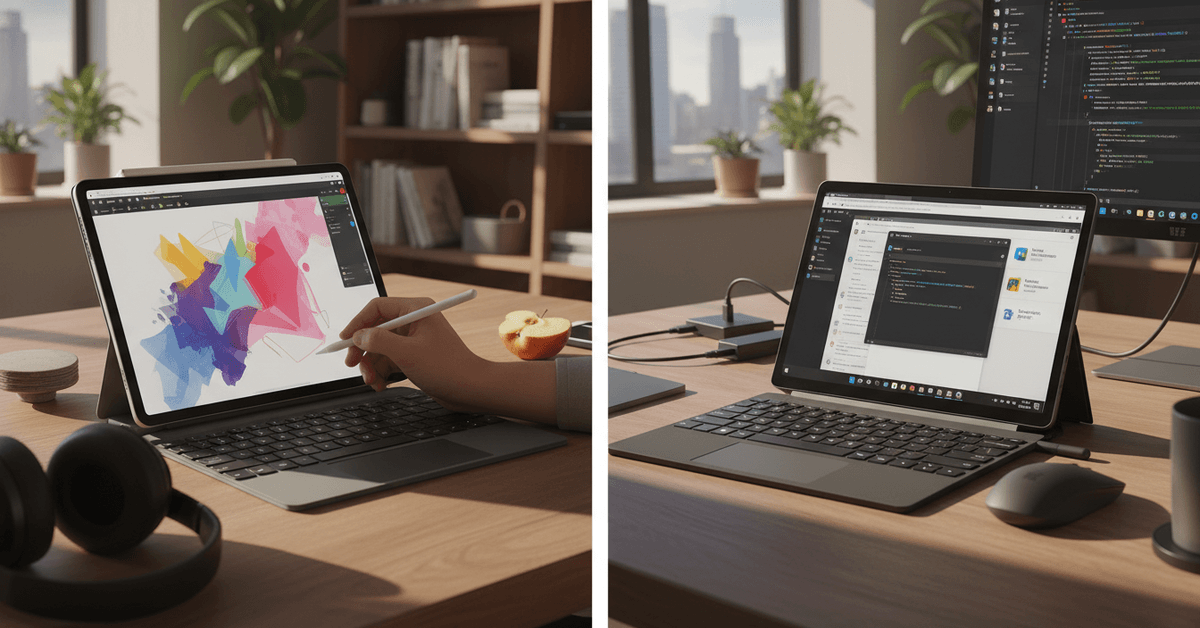
Key Features of the iPad
The iPad is designed for users who want a lightweight device for work, study, creativity, and entertainment.
It works well for people who need portability, simple navigation, strong app support, and a smooth touchscreen experience while moving between tasks.
Touchscreen and Apple Pencil Support
One of the iPad’s strongest features is its responsive touchscreen. Many models support the Apple Pencil, which is useful for handwritten notes, sketching, marking documents, and creative work.
This makes the iPad practical for students, artists, designers, and users who prefer writing directly on the screen.
Keyboard and Productivity Options
The iPad can be paired with keyboard accessories, making it easier to type documents, emails, notes, and reports.
With multitasking features, users can work with multiple apps, reference documents, and manage everyday productivity tasks more comfortably.
Portability and Battery Life
The iPad is slim, lightweight, and easy to carry in a bag. It is useful for travel, classes, meetings, reading, video calls, and quick work sessions. Many users choose it because it starts quickly and offers reliable battery life for daily use.
App Ecosystem and Creative Tools
The iPad supports a wide range of apps for writing, design, video editing, drawing, planning, and communication. Its strong app ecosystem makes it flexible for both casual users and professionals who need creative tools on the go.
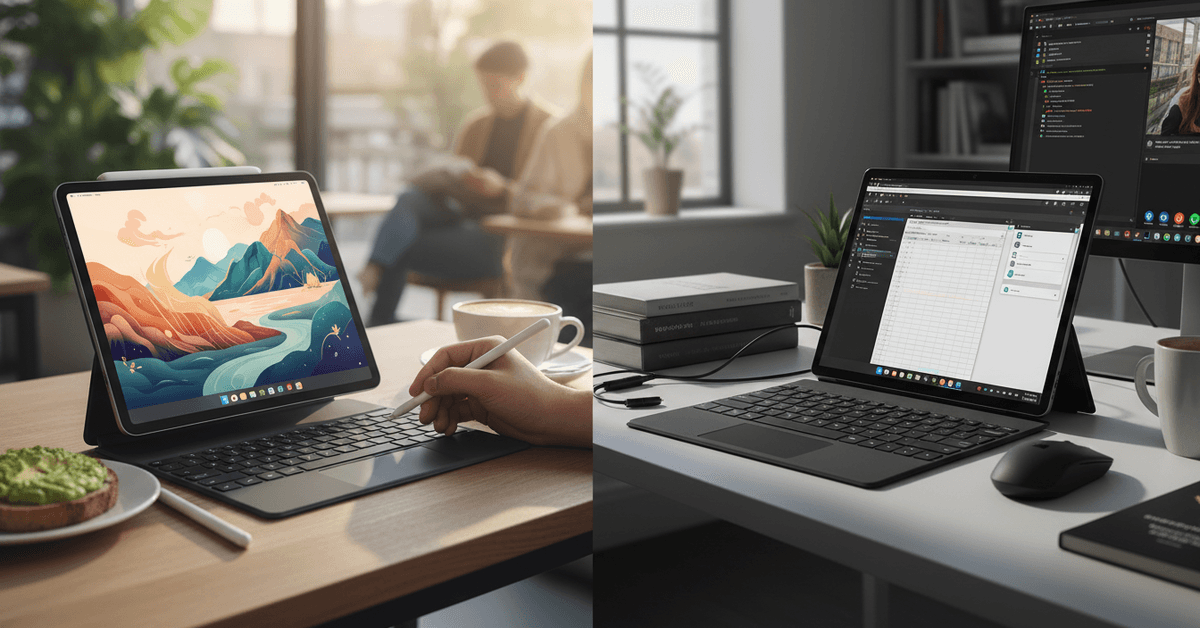
Major Differences Between iPad and Surface
The main difference between an iPad and a Surface is the work style they support. The iPad is more tablet-first, with strong touch controls, Apple Pencil support, creative apps, and a lightweight design.
Surface devices are more PC-first, especially because they run Windows and are built around laptop-style productivity with keyboard, trackpad, pen, and desktop software support.
Microsoft describes Surface Pro as combining “laptop productivity” with “tablet creativity,” while Apple highlights iPad’s Apple Pencil, Magic Keyboard, and portable creative workflow.
Operating System and Software
The iPad runs iPadOS, which works smoothly for apps, browsing, note-taking, drawing, reading, and mobile-style productivity.
A Surface runs Windows, so it is better for users who need desktop programs, traditional file management, full browser workflows, and software that may not be available on iPad.
If your work depends on Windows apps, a Surface is usually the more practical choice.
Keyboard and Laptop Feel
Both devices can use keyboards, but the Surface usually feels closer to a traditional laptop.
It is designed for typing, multitasking, and working with Windows apps, especially when paired with a Surface keyboard.
The iPad can also work with Magic Keyboard, which adds a trackpad and makes it more useful for writing and productivity, but it still feels more like a tablet with laptop accessories.
Creative Work and Pen Use
The iPad is strong for drawing, handwritten notes, design apps, and creative work, especially with Apple Pencil. Surface also supports pen input and can be useful for notes, sketches, and marking documents inside Windows.
The better choice depends on your apps: iPad is often better for touch-first creative apps, while Surface is better if you need pen support alongside full desktop software.
Best Choice for On-the-Go Work
Choose an iPad if you want a lighter, simple, app-focused device for notes, reading, creative tasks, and casual productivity.
Choose a Surface if you need a portable Windows computer that can handle desktop-style work, multitasking, files, and office tasks more like a laptop.
Both can be good for travel, but the right choice depends on whether your daily work feels more like tablet use or PC use.
Student and Remote Work Considerations
For students, an iPad works well for note-taking, reading, video calls, digital planners, and creative assignments, especially with Apple Pencil and a keyboard.
A Surface may be better if classes require desktop software, full file management, spreadsheets, or Windows-based platforms.
For remote workers, the best choice depends on the tools used every day. Check meeting apps, cloud storage access, external monitor support, typing comfort, multitasking needs, and software requirements before deciding.
Choosing Based on Workflow
The right device is not always the lighter or newer option. Choose the iPad or Surface based on your real workflow, assignment format, work apps, and how comfortably you can complete daily tasks.
iPad vs Surface: Which Should You Choose for Work on the Go
You should purchase the iPad if your work is mostly note-taking, reading, video calls, digital planning, drawing, and light productivity. It is easier to carry, simple to use, and strong for touch-based tasks.
You should purchase the Surface if you need a device that feels closer to a laptop, especially for Windows software, spreadsheets, multitasking, file management, and work platforms.
Students who prefer handwritten notes may like the iPad more, while remote workers with desktop-style tasks may prefer the Surface. The better choice depends on your daily workflow, not just the brand or design.
Conclusion
Choosing between an iPad and a Surface depends on how you work while traveling. An iPad may suit note-taking, reading, creative apps, and lighter tasks, while a Surface may fit desktop-style work, multitasking, and full software needs.
Compare keyboard comfort, app support, battery life, and portability before deciding.