In today's fast-paced world, finding the best laptop for remote work and travel can feel surprisingly complex.
With new hardware trends and tech updates constantly reshaping what's possible, making the right decision isn't just about specs—it's about sustaining productivity, comfort, and convenience wherever you find yourself working.
This article is crafted for digital nomads, freelancers, and remote employees who prioritize productivity, flexibility, and reliable tech while on the move.
If you care about digital trends and efficiency, or just want to avoid an expensive mistake, you're in the right place. Let's walk through the most critical factors together and actually make sense of the options, not just list them.
Key Factors When Choosing a Laptop for Remote Work and Travel
To be honest, no “one size fits all” answer exists. But several considerations rise above the noise—especially if you’re working from cafes, airports, or even the occasional beachside bungalow.
1. Portability and Weight
It might seem obvious, but weight and size often get undervalued. Every additional gram can feel heavier after a full day in transit.
Look for laptops in the 2–3 lbs range—most ultrabooks hit this sweet spot. For reference, the MacBook Air and Dell XPS series excel in this department.
2. Battery Life
Long workdays on unpredictable power sources make all-day battery life a must. Manufacturers sometimes exaggerate, so check independent reviews (like those from The Verge or Wirecutter) and aim for 8+ hours in real-world use. Some days, even a little extra can save your project—or your sanity.
3. Performance and Processor
You might assume the latest Intel i9 or Apple M-series chip is necessary. For most, it's not. If you’re mainly using web tools, emails, or Chrome extensions, an Intel i5, AMD Ryzen 5, or an Apple M1/M2 offers a perfect blend of price and performance.
Content creators or programmers may want to opt for higher-tier CPUs—but for the average remote worker, don’t overpay for horsepower you won’t use.
4. Display Quality
You’re probably spending hours, or even days, in front of your screen. Apple’s Retina displays and Dell’s InfinityEdge panels might seem like hype, but the clarity genuinely reduces eye strain.
Consider a 1080p minimum resolution, and opt for matte over glossy screens to minimize glare when working outside or by a window.
5. Keyboard and Trackpad Comfort
This one's personal. Some ultra-thin laptops compromise on key travel and accuracy. Typing comfort can make or break a remote worker's experience, especially on long assignments.
If you can, try out potential models in-store. Otherwise, trust user reviews over the manufacturer’s promises.
6. Connectivity and Ports
Don't overlook this! Many remote workers run into surprises: missing an HDMI port, needing extra USB-C adapters, or wishing for built-in SD card readers.
While many ultralights skimp on ports for slimness, balance convenience with portability. If you use external monitors, check for Thunderbolt or USB-C compatibility.
Why Your Laptop Choice Matters for Remote Productivity?
It’s tempting to just grab the most powerful device within your budget. But, surprisingly, that’s rarely the smartest path.
Your workflow matters. Students using AI writing tools require something different than digital artists or frequent video editors.
Similarly, a business consultant hopping between calls and documents wants reliable video conferencing features—not necessarily top-tier graphics cards.
Adaptability to “Waves” of Digital Trends
Remote work isn’t static. With emerging trends—like cloud-based software, browser extensions, or new productivity apps—the right laptop will let you adapt painlessly.
Devices that handle Chrome extensions with multiple tabs, run Windows or macOS without lag, and support upcoming software will sustain your productivity over time.
And sometimes, you just want to try that new AI tool everyone’s talking about—without your fan spinning like mad.
Operating System: Windows vs Mac vs Chrome OS
Let’s get honest: the Apple ecosystem works beautifully for many creatives, while Windows remains king for flexibility and price.
Chrome OS is lighter and often cheaper, focusing on browser-based work. Think hard about your favorite apps and which OS supports them best—you don’t want to find out an essential tool doesn’t run on your new laptop after spending a small fortune.
Must-Have Features for Digital Nomads
If you’re regularly working from unfamiliar locations or abroad, there are a few critical features you may not have considered.
Durability and Build Quality
Travel puts laptops through more than just work: overhead bin drops, coffee spills, temperature changes. Look for metal chassis (like on the MacBook Air or Lenovo ThinkPad series), spill-resistant keyboards, and MIL-STD-810G certification, if available. Sometimes, it’s not flashy—just sturdy.
Security and Privacy
Public Wi-Fi is a risk. Consider devices with fingerprint readers or Windows Hello face unlock. Hardware camera shutters (found on some Lenovo and HP models) are surprisingly reassuring.
Don’t forget a good VPN for data safety—check that your device supports your chosen VPN client seamlessly.
Fast and Reliable Wi-Fi
Travel routers and hotspots help, but your laptop’s Wi-Fi chip also matters. Wi-Fi 6 support can provide faster, more reliable connections, particularly in crowded spaces. Bluetooth 5.0+ is helpful for seamless use of wireless accessories like headphones and mice.
Quiet Cooling and Practical Ease of Maintenance
Some people (me included) can’t stand loud fans or hot laps. Seek out devices that run cool and quiet—reviews often note this, as it isn’t on every spec sheet.
If you anticipate needing upgrades (RAM, SSD), check if your model allows for this. Some ultra-thin devices are sealed shut; others welcome a little tinkering.
What to Avoid When Buying a Travel Laptop?
Honestly, mistakes are common. Avoid these to save future headaches:
- Overspending on unnecessary specs (dedicated GPU, high-end CPU, unless truly needed)
- Underestimating battery life (always check user reviews, not just spec sheets)
- Forgetting about regional chargers or power adapters
- Choosing a glossy display when you plan to work outdoors
- neglecting warranty or international support coverage
Recommended Laptops for Travel and Remote Work
Let’s get real—there isn’t a single “best” laptop. But here are proven top choices, each with its own strengths, for various budgets and needs:
| Laptop | Weight | Battery Life | Key Feature | Ideal For |
|---|---|---|---|---|
| Apple MacBook Air (M2) | 2.7 lbs | 14–16 hrs | Superior battery, light, silent | Productivity, web, creative work |
| Dell XPS 13 | 2.6 lbs | 11–13 hrs | Excellent screen, compact | Business, frequent travelers |
| Lenovo ThinkPad X1 Carbon | 2.4 lbs | 13–15 hrs | Durable, best keyboard | Writers, business users |
| ASUS ZenBook 14 | 2.8 lbs | 10–12 hrs | Affordable, good I/O | Students, budget buyers |
| Microsoft Surface Laptop 5 | 2.8 lbs | 11–13 hrs | Touchscreen, premium build | Hybrid users, presenters |
Accessories That Enhance Mobile Productivity
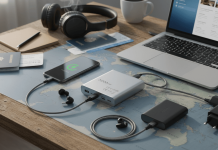
Your setup isn’t complete with the laptop alone. A few smart additions can extend comfort and performance:
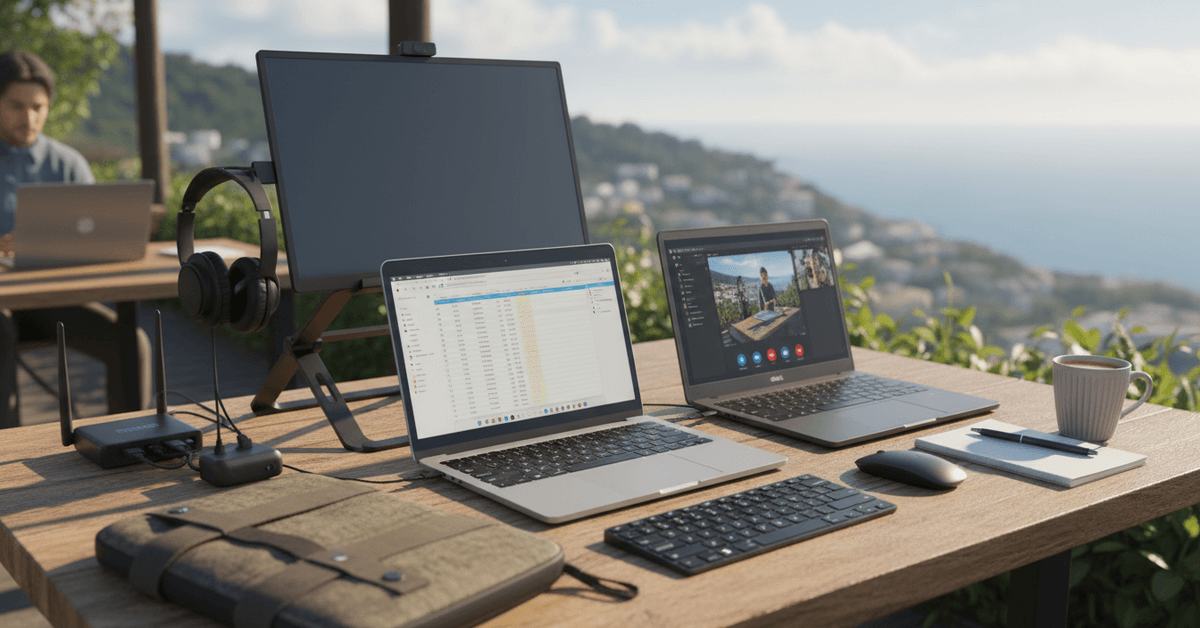
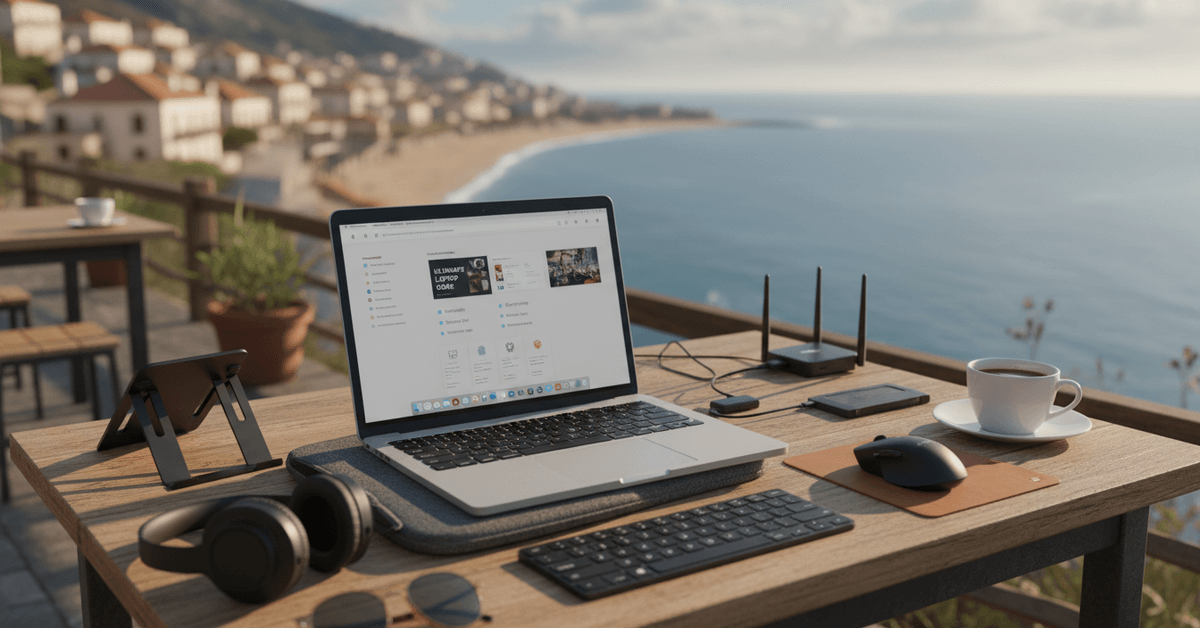
- Travel router or portable hotspot for dependable internet
- USB-C multiport hub for more connectivity
- Portable laptop stand for better ergonomics
- Noise-canceling headphones for focus
- Compact Bluetooth mouse and keyboard for longer typing sessions
- Protective sleeve or hard case
Practical Remote Work Laptop Tips
- Choose lightweight models for travel.
- Check real battery life reviews.
- Prioritize keyboard comfort and ports.
- Match specs to your workflow.
- Consider security for public Wi-Fi.
Conclusion
Choosing the right laptop for remote work and travel means balancing portability, battery life, performance, comfort, and durability.
The best option should match your daily workflow, whether you handle writing, video calls, cloud tools, coding, or creative projects.
It is also important to check ports, display quality, keyboard comfort, Wi-Fi support, and security features before buying.
With careful comparison, you can avoid overspending and choose a laptop that stays reliable wherever you work.