Ever wondered why some people get years out of their smartphones or laptops while others are shopping for replacements every twelve months?
This article peels back the curtain on practical tech maintenance—the kind that helps your favorite gadgets thrive well past their expiration date.
The focus is simple: how anyone, even non-techies, can make their devices last for years with a few consistent, realistic habits.
If you care about technology, want to stretch your budget, or just hate clutter, you’ll find actionable steps here for phones, laptops, and more.
Why Proper Tech Maintenance Matters in a Fast-Changing World
The latest device launches are flashy, but replacing gadgets constantly just isn’t practical for most. Besides, hardware prices have crept up over the years.
Regular maintenance isn't about being obsessive—it's about boosting functionality, keeping data safe, and avoiding unnecessary tech waste.
I’ll admit, sometimes I’ve been tempted to upgrade just for convenience, but good habits usually win out in the end. Here’s why this matters:
Saving Money (And Headaches)
Purchasing new devices yearly drains your finances; maintenance, in contrast, adds years for free. Not to mention you sidestep data transfer snags and warranty claim headaches.
Reducing E-waste
Extending device life means fewer gadgets thrown in the landfill. If you’re eco-conscious, maintaining your tech makes a real, measurable difference for the environment.
Unlocking More Value
Your device performs better, holds resale value longer, and is less likely to suffer from sudden breakdowns. That’s a trifecta of benefits for anyone who relies on tech daily.
Essential Maintenance Habits for Your Devices
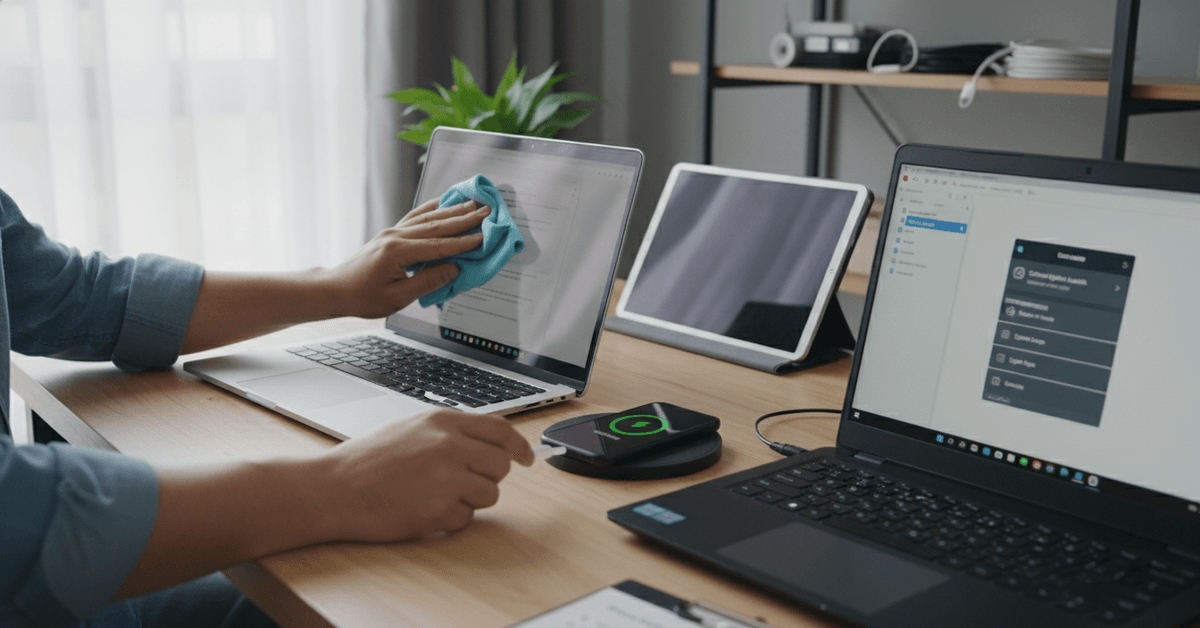
If you’re not sure where to start, focus on regular routines. These practical steps can keep your tech healthy without demanding too much time or skill:
Update Software and Apps Regularly
Yes, those constant update reminders are worth heeding. Updates patch security vulnerabilities, boost performance, and extend compatibility.
It’s surprising how many people, myself included sometimes, delay updates until glitches appear. Just don’t wait for things to break.
- Enable automatic updates when available.
- Check for firmware updates quarterly—especially on smart home gadgets and routers.
- Uninstall unused apps to streamline performance and reduce attack surfaces.
Clean Hardware Carefully (But Consistently)
Dust, lint, and crumbs can quietly sabotage your tech. Overheating, keyboard jams, even charging issues often trace back to physical debris.
I used to think phone cleaning was optional; after one sticky power button, I’ve changed my routine. Consider:
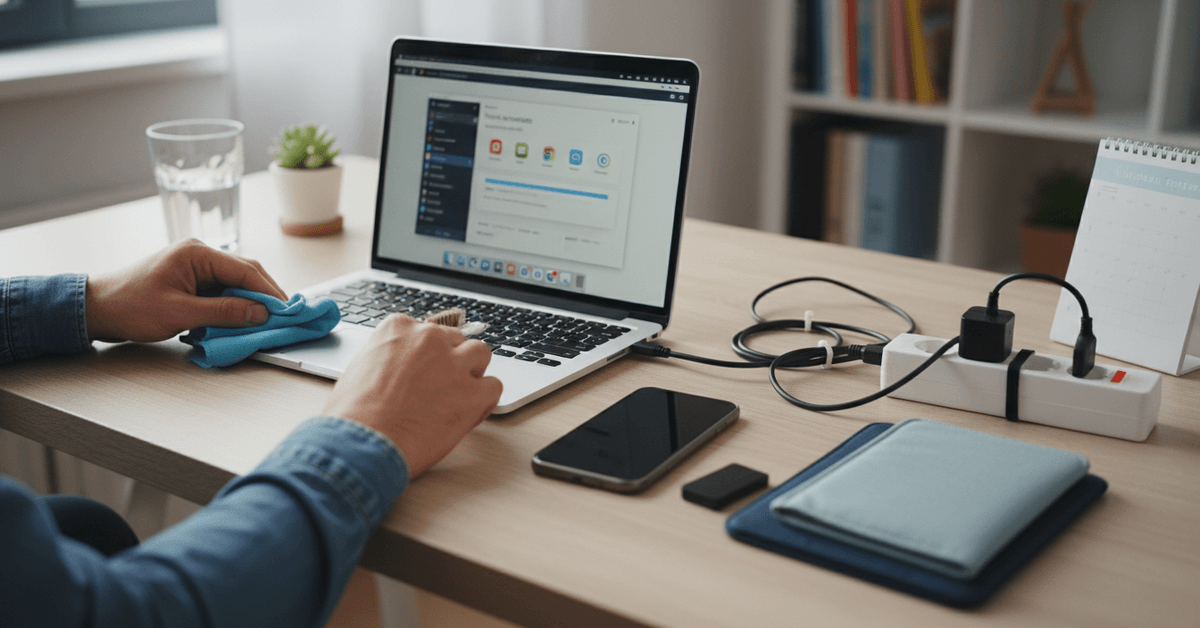
- Wipe screens and cases with a microfiber cloth weekly.
- Use compressed air for keyboards and laptop vents every two months.
- For phones, gently clean charging ports with toothpicks or soft brushes (never metal tools).
Battery Best Practices: Myths and Truths
Lithium-ion batteries are durable, but some habits drain their lifespan quickly. You may have heard conflicting advice. Here’s a realistic, non-dramatic take based on what evidence suggests:
- Avoid full discharges; keep battery between 20% and 80% for daily use.
- Don’t leave devices plugged in at 100% for days. Unplug overnight or use smart plugs.
- Warmer environments degrade batteries—don’t leave tech in the sun or hot car.
Smart Storage and Environment Tips
Where and how you store your gear impacts lifespan more than you might expect. I started using a tech drawer (with silica packets inside), and it dramatically reduced charger and cable issues.
- Store devices in cool, dry places away from direct sunlight.
- Don’t stack laptops or tablets; keep with soft sleeves or padding to avoid screen scratches.
- Wrap cords loosely to prevent fraying—tight bends damage internal wires.
Keeping Performance High: Easy Optimization Steps
A sluggish device doesn’t mean it’s obsolete. Most slowdowns come from cluttered software or lack of regular attention:
- Reboot devices weekly to clear out memory and reset background processes.
- Periodically review and close background apps, especially on smartphones.
- Run built-in disk cleanup utilities once a month—this can free gigabytes of space.
Back Up Before It’s Too Late: A Must-Have Routine
Loss of data is usually sudden—a drop, a crash, a failed update. Backups are your lifeline. I slipped up once, losing two years of photos in an accidental reset. What I learned:
- Set up automated backups to cloud or external drives for all major devices.
- Test your recovery process every so often; a backup you can’t restore is as good as none.
- For irreplaceable files (photos, documents), keep a secondary backup offsite if possible.
How to Know When It’s Actually Time to Replace
Even with good maintenance, some gadgets eventually become impractical to keep. Replacement is worth considering when the device no longer receives software updates, cannot run everyday tasks reliably, or creates security risks.
Check Repair Cost and Parts Availability
If repairs cost more than replacing the device, or parts are no longer available, upgrading may be more practical. This is common with aging phones, laptops, tablets, and smart devices.
Avoid Upgrading Too Early
Do not replace a working gadget just because a newer model exists. Check user forums, repair advice, and typical replacement timelines first. Many devices can remain useful for an extra year or two with careful use.
Hidden Tips: Maximize Device Longevity with Under-the-Radar Actions
Let’s admit, some gadget tricks just aren’t obvious—unless you’re very plugged in. Here are a few less-discussed actions that protect hardware behind the scenes:
Deep Cleaning SSDs and Hard Drives
Using built-in tools like Windows’ TRIM function or macOS’s Disk Utility maintains storage speed . Slower storage ages devices quickly.
Careful With Fast Charging
While convenient, excessive fast charging heats up batteries. Alternate with standard charging when possible for better long-term battery health.
Monitor Temperatures with Apps
Use free utilities (like HWMonitor on PC or Macs Fan Control for Mac) to watch for overheating. High temps signal dust issues or fading thermal paste.
Keep Peripherals Updated, Too
Mice, keyboards, printers, and routers often have firmware updates. Don’t neglect these—outdated firmware can hamper performance or open up security risks.
Conclusion
Good tech maintenance helps your gadgets stay useful, reliable, and safe for longer. Clean devices gently, manage battery habits, update software, protect them from heat, and back up important data regularly.
With small, consistent care, you can reduce performance issues, avoid preventable damage, and extend your device’s lifespan.