If you’ve been struggling to stay productive, or your workspace just isn’t inspiring, integrating a few strategic tech gadgets might be the spark you need.
This guide is for anyone working from a home office—whether it's students, freelancers, or remote employees—eager to turn an ordinary desk into a hub of productivity.
Read on to discover exactly how smart tech upgrades can make daily tasks smoother and actually enjoyable.
Why Gadgets Matter for Your Home Office Productivity?
The right equipment can completely change your experience at work. It's remarkable how solving small annoyances—like cable clutter or bad lighting—can add focus.
Sometimes, it’s the little tech tweaks that make a huge difference to motivation and workflow. Maybe that sounds like just one opinion, but many users share it. Let’s look at why these gadgets are more than just flashy tools.
Reducing Distractions and Fatigue
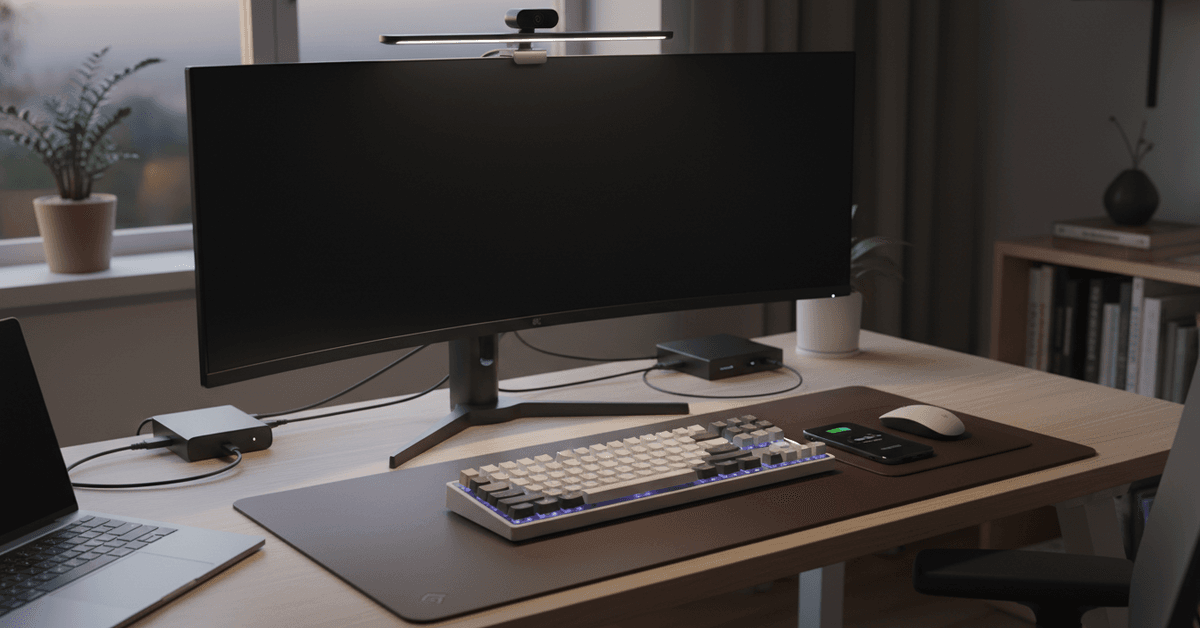
High-quality tech can help manage distractions and make long hours less taxing on your body. With ergonomic devices and smart automation, it’s easier to keep your mind on task, not on problems.
Supporting Flexible Working Styles
Not all home offices serve the same function. With versatile gadgets, you can adapt a work area for video calls, deep focus sessions, or creative brainstorming with very little hassle.
Gadget #1: Smart Monitor Light Bar
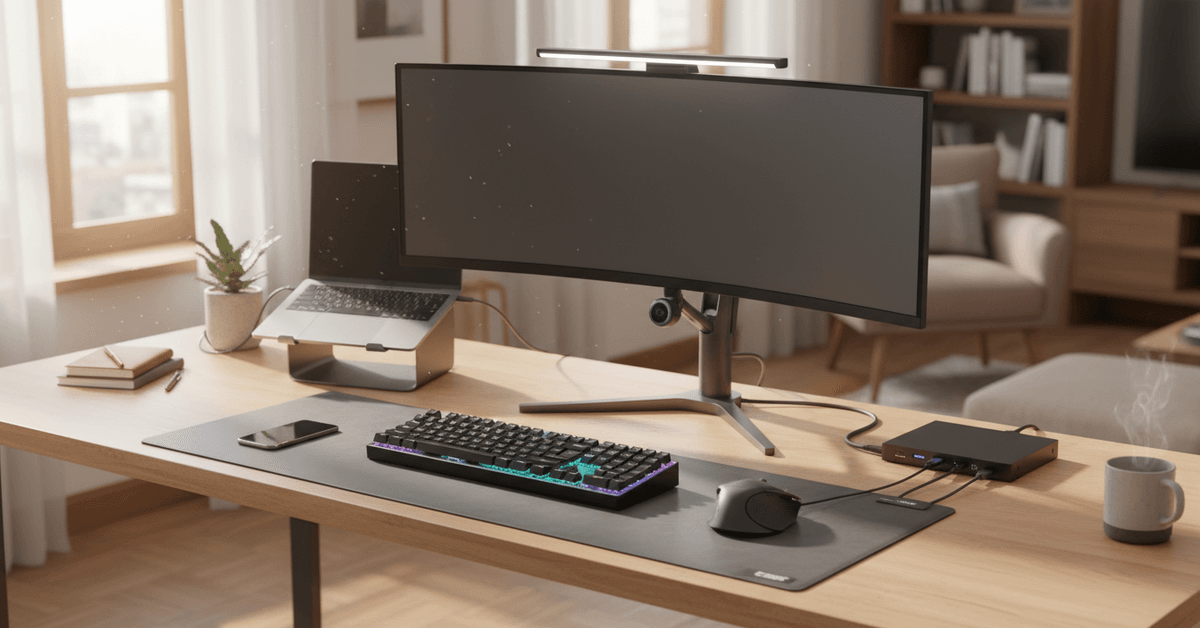
Eyestrain from screens is incredibly common, and poor lighting only makes it worse. A smart monitor light bar balances your lighting and eliminates harsh shadows on your workspace.
More than just being a light source, it protects your eyes during late-night work and can set the tone for creativity.
Features to Look For in a Monitor Light Bar
- Dimmable color temperature (warm to cool)
- Automatic brightness sensor
- USB-powered, easy installation without tools
Popular Picks
- BenQ ScreenBar
- Xiaomi Mi Computer Monitor Light
Gadget #2: AI-Powered Webcam
Remote meetings aren’t going away. A regular built-in laptop cam often disappoints, so consider a modern AI-powered webcam.
These cameras adjust lighting automatically, track your face, and use background blur for a sharper, more professional look without fuss.
Why Upgrade to AI-Based Video?
- Sharper image quality and low-light performance
- Auto-framing, so you stay centered even if you shift a lot
- Privacy shutters and built-in microphones are usually included
Top AI Webcam Options
- Logitech Brio 4K AI Webcam
- OBSBOT Tiny AI Webcam
Gadget #3: Mechanical Keyboard With Hot-Swap Switches
Many discover, sometimes by accident, how much better their typing experience is with a mechanical keyboard.
A hot-swappable model lets you change switches without soldering, which is great for anyone who likes to tweak their setup. The tactile response can reduce fatigue and make typing far more pleasant.
Perks of Using a Mechanical Keyboard
- Improved typing speed and accuracy
- Fully customizable feel—clicky, soft, or silent
- RGB lighting for personal flair, though, admittedly not everyone needs this
Recommended Models
- Keychron K6 Wireless
- Glorious GMMK Compact
Gadget #4: Wireless Charging Desk Mat
Cords trailing everywhere? Not ideal. But a wireless charging desk mat solves two issues at once: it replaces that slippery old mousepad and keeps your phone powered all day. No more running out of battery or stretched, tangled cables.
What to Expect from a Quality Charging Desk Mat
- Qi-compatible for most smartphones
- Integrated mousepad surface—fabric or leather-style
- Additional USB ports, sometimes even for watch charging
Best Value Picks
- Logitech POWERPLAY Wireless Charging System
- Satechi Eco-Leather Deskmate
Gadget #5: Compact USB-C Docking Station
Even with wireless gadgets, most home offices still rely on plugging in screens, drives, or memory cards. A USB-C docking station connects everything from your laptop to your monitor in just one motion.
It reduces clutter and lets you “dock” and “undock” in seconds—a huge productivity boost if you shift locations through the day.
Key Features in a Modern Docking Station
- Multiple display support—great for multitasking
- Extra USB-A and USB-C slots for devices
- Ethernet, audio, and SD card ports
Notable Brands
- Anker PowerExpand Elite
- CalDigit TS4
How These Gadgets Work Together to Boost Productivity?
Each device by itself is already useful, but the combined effect is where the real benefit appears. An ergonomic workspace supported by smart lighting, great audio/video, and seamless charging means less time troubleshooting, more time actually working. Perhaps you’ve noticed this after one gadget upgrade before—it can feel surprisingly satisfying.
Creating Your Personalized Setup
- Mix and match gadgets based on your job—designers and writers may prioritize different tools
- Keep evolving your workspace as needs change, rather than aiming for a “perfect” setup all at once
- Small, gradual upgrades tend to have a compounding, wave-like effect on productivity
Practical Tips for Choosing Home Office Tech
It's tempting to grab the latest trending accessory. Still, before you buy, consider these criteria to avoid common regrets:
- Check compatibility with your laptop or PC—especially Mac vs. Windows ports
- Prioritize devices with universal standards (like USB-C or Qi wireless) to ensure future proofing
- Read real user reviews, not just official product pages, for honest insights
- Look for warranty periods and responsive support, as home office tech sees daily use
Where to Get the Latest, Most Reliable Gadgets?
Reputable online platforms such as Amazon, Best Buy, or specialized productivity gear stores often carry tested, reviewed devices. Don’t forget to check technology blogs or YouTube reviewers for up-to-date advice.
Many of these new releases—especially accessories for Windows, Mac, or Chromebooks—are reviewed in depth on websites like The Verge, TechRadar, and Wirecutter, which could be your starting point for genuine comparisons.
Final Home Office Tech Guide
Home office gadgets can improve productivity by reducing distractions, easing fatigue, and making daily work more comfortable.
The most useful upgrades often include better lighting, cleaner charging, stronger video quality, smoother typing, and easier device connections.
It is also important to choose tools that match your workflow instead of buying every trending accessory. With smart, gradual upgrades, a home office can become more organized, efficient, and enjoyable for long work sessions.