Building a smart lighting system for your workspace can truly change the way you work. This guide is for anyone looking to blend lighting control, productivity, and a bit of tech fun at their desk.
You’ll learn how to plan, choose hardware, and connect everything—without needing a background in electronics. The main benefit? A more comfortable, adaptable, and mood-boosting workspace, designed by you.
Why a Smart Lighting System Matters for Productivity
It’s surprising how much lighting affects your focus and energy, perhaps more than many realize. Smart lighting goes beyond aesthetics; it can help fight fatigue, tailor the mood, and even subtly remind you to take breaks during long sessions.
If you’re a digital native, student, remote worker, or simply someone following the latest hardware productivity trends, smart lights may be worth the investment for both health and efficiency.
Lighting and Circadian Rhythms
Your body’s inner clock responds to brightness and color temperature. The right blend of cool daylight for focus and warmer tones for evenings aligns with those natural cycles.
It’s not pseudoscience—there’s plenty of research if you look for it, and most modern smart bulbs are designed with these benefits in mind.
Mental Clarity and Workspace Aesthetics
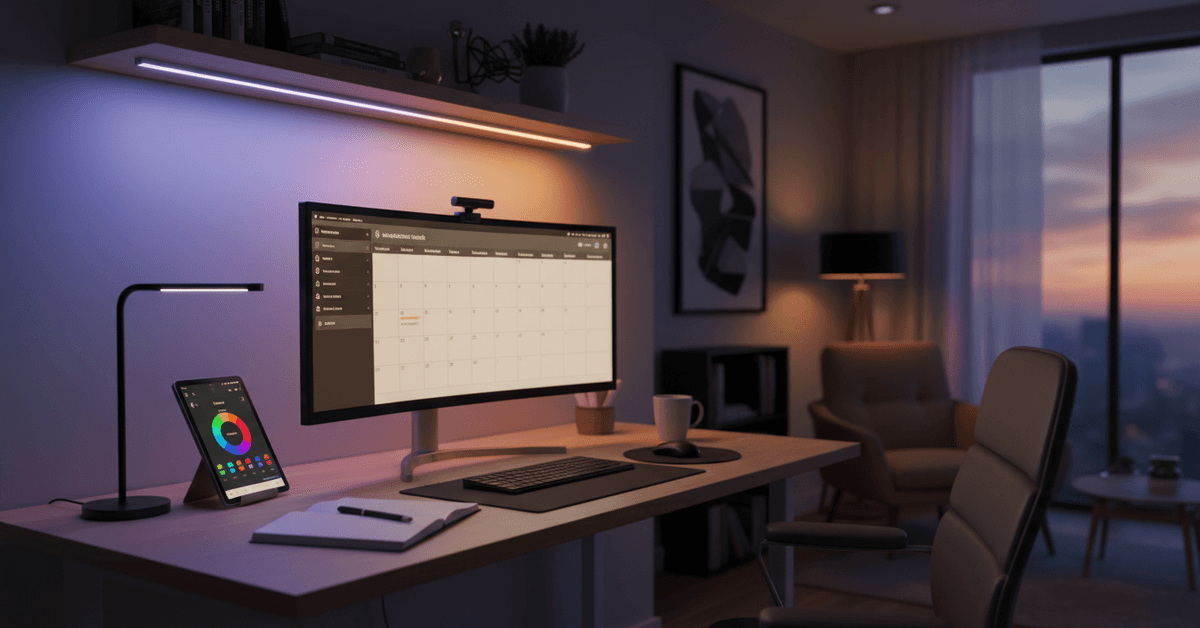
A harsh or unevenly lit room can feel chaotic. But set the right tone—perhaps a soft, steady white for writing, or vibrant color for brainstorming—and distractions fade.
You may need to experiment to find what feels best. That’s one of the subtle joys of smart lighting: it adapts a little bit to you.
Planning Your Smart Lighting Upgrade
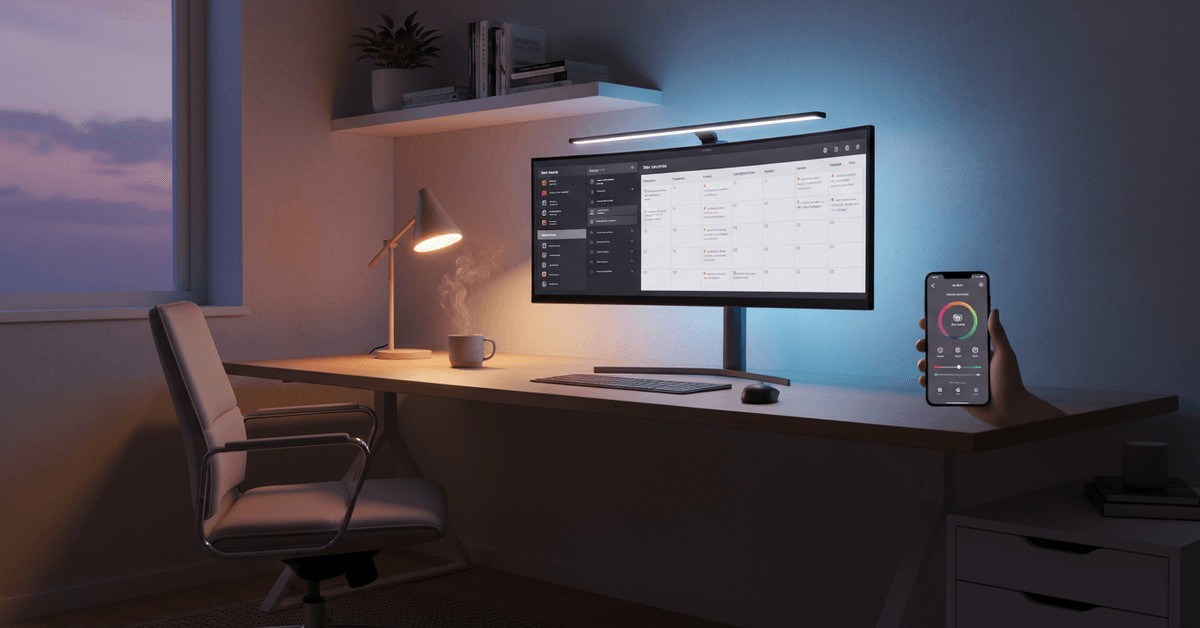
No need to rush. A bit of planning helps you avoid overspending or buying incompatible gadgets. Perhaps start with outlining your needs and preferences before selecting products. Here's how to approach it:
Assess Your Workspace Layout
- Measure the size (in meters or feet) of your room or desk area.
- Note natural light sources. Facing a window? You may need less artificial brightness in daytime.
- Consider glare—from monitors or glossy desks—and potential shadows.
Select Your Priority Features
- Color control (change white temperature or set colors?)
- Dimmer capability (9how low or high do you want brightness?)
- Wireless voice control (via Google Assistant, Alexa, or Siri)
- Scheduling and automation (set it, forget it?)
- Integration with other smart home devices
Estimate Your Budget
Smart bulbs range from budget to premium, as do control hubs or starter kits. It’s okay to start small; a single Wi-Fi smart bulb can cost under $20 USD while multi-bulb starter sets go well over $100.
Sometimes the difference is in brightness, build quality, or ecosystem support. Consider what's "worth it" for your own setup.
Choosing the Right Smart Lighting Hardware
Selecting hardware can feel overwhelming with so many choices—but it’s not as bad as it seems when you stick to trusted brands and think about future upgrades. Here’s an overview of the main options and considerations:
Smart Bulbs vs. Smart Light Strips
| Feature | Smart Bulbs | Light Strips |
|---|---|---|
| Installation | Replace standard bulbs | Peel & stick to surfaces |
| Color & Dimming | Most models | Wide color range |
| Best Use | Lamps, overhead fixtures | Desk edges, shelving |
Compatibility: Hubs and Connectivity
Some bulbs connect directly with your Wi-Fi, while others need a hub (like Philips Hue Bridge or SmartThings). Direct Wi-Fi is easy but can congest your network if you go wild with devices.
Hub-based systems usually mean more reliability and features, but there's a small learning curve. It’s smart to check what other devices you already own.
Popular Smart Lighting Brands
- Philips Hue (premium, reliable, huge ecosystem)
- TP-Link Kasa (budget-friendly, Wi-Fi based)
- LIFX (vibrant colors, Wi-Fi, no hub needed)
- Nanoleaf (modular panels, highly customizable)
- Govee (creative strips and effects)
Most work with major smart assistants, but double-check before buying for your specific platform.
Step-by-Step: Building Your Smart Lighting System
1. Start With a Single Device
I usually recommend beginning with one smart bulb or strip that fits your main desk lamp or monitor backlight.
Download its app and follow the simple setup wizard—most require only Wi-Fi details and a few taps. You’ll get a feel for color and control before buying more.
2. Expand With Purpose
After you’re comfortable, consider which areas need improvement—perhaps a shelf for ambiance, or overhead lights for brightness.
Add compatible bulbs in stages. This way, you avoid ending up with five different brands and apps (which will happen if you’re not careful!).
3. Connect to Your Ecosystem
Link your system with Google Assistant, Amazon Alexa, or Apple HomeKit for voice control and deeper automations.
These platforms allow routines, like "Start Work" to brighten your desk and "Focus Time" for cool, white light. Small automations, but genuinely useful.
4. Automate for Routines and Energy Savings
- Use sunrise/sunset automations—lights brighten as you begin work, dim as evening arrives.
- Try motion sensors for lights that follow your presence (also practical for energy savings).
- Schedule break time cues—maybe pulse blue when it’s time to stretch.
Integration With Productivity Tools
The latest wave in smart lighting adds direct integration with Chrome extensions, AI productivity tools, or even task managers. For instance, there are plugins that change lighting when you receive important emails or calendar events.
While still a "niche" feature, expect this trend to grow. You could try IFTTT or Zapier-type automations for custom triggers, even if it feels a bit experimental for now.
Examples of Smart Integrations
- Change color if your calendar shows a meeting starting soon
- Pulsate your light when emails from VIP senders arrive
- Dim room lights when you launch your focus playlist on Spotify
These can border on gimmicky, but honestly, they’re fun and do make your setup a bit more personalized, if not always more productive.
Tips for Getting the Most From Your Smart Workspace Lighting
Smart workspace lighting should always support how you actually work. You can start by making simple adjustments then slowly build up to upgrades that will help your daily routine.
Balance Direct and Indirect Light
One of the main uses of a main light is visibility. Make sure to use one main light that will allow you to focus on your work.
A softer indirect light will make things more comfortable while you're working in the room. An overhead light helps brighten the room while LED strips helps reduce contrast and makes it easy on your eyes.
Create Scenes for Different Tasks
Switch lighting for different tasks such as your main work, video calls, breaks and even evening focus.
A neutral setting can help you achieve better lighting while at work. Meanwhile, a warmer setting helps you see better when you're reading or if you plan on winding down for the day.
Keep the Setup Simple
Try to experiment with your lighting's colors and brightness but do not overcomplicate them. A simple and reliable setup is all you need to achieve a better lighting without having to destroy your budget.
Buy Carefully Before Expanding
Prioritize quality over quantity especially when you're on a budget. Read product reviews and check out user forums before you buying the lighting that you need. This will give you an idea on what you need to work with.
Conclusion
A smart lighting system can make your workspace more comfortable, focused, and energy-efficient. Start with adjustable bulbs, reliable controls, useful scenes, and simple automation that matches your routine.
With the right setup, your lights can support deep work, video calls, reading, and relaxed evening tasks without constant manual adjustment.