Choosing the right browser impacts how quickly you can search, how private your data remains, and, honestly, how your daily digital life feels overall.
Speed and privacy are more than buzzwords—they shape productivity and peace of mind. For tech enthusiasts, students, or anyone juggling countless tabs, knowing which browsers really deliver matters.
In today’s digital wave, keeping up is half the battle, so let’s break down which browsers lead in 2024 and why.
Why Speed and Privacy Matter in a Modern Browser?
Fast browsing isn’t just about loading pages—it’s the difference between smooth research and frustrating lag, especially with complex apps, AI tools, or dense school portals.
And privacy? Well, with targeted ads and invisible trackers lurking everywhere, secure browsing is pretty much essential.
But achieving both speed and privacy? Now that’s the golden ticket. Not every browser can balance both, and—fair warning—not every claim is reality.
Key Criteria for Comparing Browsers
Let’s clarify how we compare browsers. Page load times, startup speed, and memory usage signal pure speed. Privacy involves blocking trackers, anti-fingerprinting, and minimal data collection.
Other perks like extension support and device syncing can be a bonus, but they shouldn’t sacrifice the two fundamentals.
Top Contenders: Which Browsers Are in the Mix?
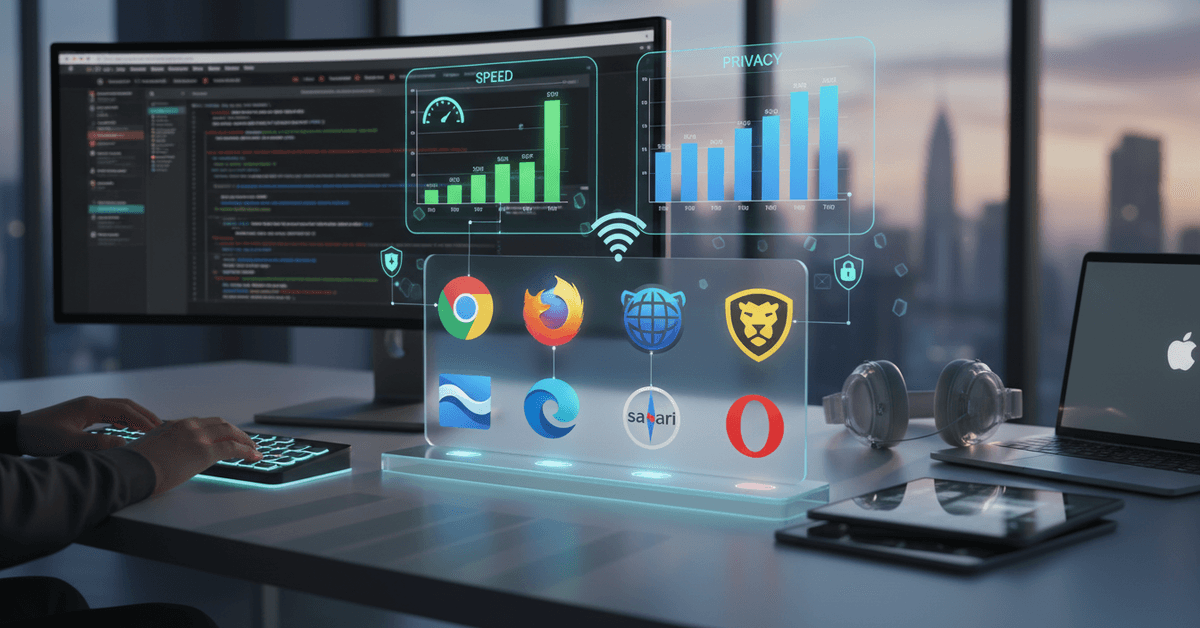
While there are dozens of options, a few browsers repeatedly make headlines for speed and privacy. In this review, we cover:
- Google Chrome
- Mozilla Firefox
- Brave
- Microsoft Edge
- Safari (for Mac users)
- Opera
Each has fiercely loyal fans (and just as many critics). Does reputation match real-world performance?

Browser-by-Browser Speed and Privacy Comparison
Google Chrome: Undefeated for Speed, Not for Privacy
Almost everyone’s tried Google Chrome —and it’s fast, there’s no denying. Pages load swiftly, Chrome excels with web apps, and it rarely stumbles, even with a heap of tabs open.
But privacy? That’s a sticking point for many. Chrome collects a lot of usage data, and while Incognito does more than nothing, it isn’t ironclad. Still, if extension variety and Chrome-only tools matter most, you’ll find it hard to leave.
Mozilla Firefox: The Balance Champion
Mozilla Firefox almost feels understated, yet it blends respectable speed with privacy leadership. With strong anti-tracking by default, plus regular privacy updates, it’s a middle ground that doesn’t try to harvest your data.
Performance is usually excellent, especially given the privacy focus—though I’ve seen it bog down slightly with resource-heavy sites. Its customization power is a quiet bonus.
Brave: Privacy First, But Surprisingly Quick
When people mention Brave , it’s usually about privacy. But its speed is worth noting—built on Chromium (like Chrome), Brave matches much of its competitor’s quickness yet blocks ads and trackers by default.
Occasionally some website elements misbehave because of aggressive blocking, but for those who want privacy without losing snappiness, Brave feels like a near-perfect compromise. Honestly, I felt noticeably fewer ads after a week—not a small thing.
Microsoft Edge: The Unexpected Performer
Some people still think of Microsoft Edge as "the new Internet Explorer." But these days, Edge is Chromium-powered, outrageously fast, and resource-efficient (especially on Windows).
Privacy-wise, it offers adjustable tracking prevention settings, though it can’t claim Brave or Firefox-level anonymity.
Syncing across Windows devices and integration with features like Collections—plus its new AI add-ons—give it a slight productivity edge. Perhaps not everyone’s first pick, but maybe it should be?
Safari: Optimized for Mac, but Mixed Otherwise
Mac users get Safari pre-installed—and for many, it's hard to replace. Speed on Apple hardware is genuinely impressive, thanks to tight system integration.
Safari includes basic tracker blocking, but customization is limited compared to Firefox or Brave. If you live in the Apple ecosystem, it’s almost certainly your fastest choice, though less so if you need lots of extensions or cross-OS syncing.
Opera: A Niche for Power Users
Opera doesn’t make as many headlines, but it offers performance nearly equal to Chrome and Edge, with unique built-in tools (VPN, ad blocking, sidebar messengers).
Privacy claims are decent, but their free VPN is limited and there were some headline concerns about ownership in recent years. If you like customization and are willing to put in some setup effort, Opera becomes very compelling.
Browser Speed Test: What Do Real Benchmarks Say?
It helps to look at real-world benchmarks. Recent tests from tech sites like Tom's Hardware and BrowserBench show:
- Chrome and Edge lead in loading and JavaScript speed.
- Safari dominates on Mac (notably for battery life too).
- Brave matches Chrome when shields are up, sometimes outperforming it on privacy-heavy sites.
- Firefox maintains steady, solid speeds, a hair slower on specialized web apps.
- Opera is fast, but built-in features can slow running if overloaded.
Of course, speed tests fluctuate based on your system and plugins. In day-to-day use, the difference between the top four browsers is rarely dramatic, though under heavy multitasking, Chrome and Edge often win by seconds.
Privacy Showdown: Blocking Trackers and Data Collection
If privacy is your main concern, this is where browsers really split apart. Here's how they handle the basics:
- Brave: Blocks third-party ads, trackers, fingerprinting, and more by default. Minimal background data collection.
- Firefox: Enhanced Tracking Protection, anti-fingerprinting, regular privacy updates. Some telemetry exists, but it is optional.
- Chrome: Incognito mode and privacy settings, but active data aggregation for Google services. Not the privacy leader.
- Edge: Customizable tracking prevention; some sharing with Microsoft cloud services remains.
- Safari: Prevents cross-site tracking, limits third-party cookies—especially on iOS/Mac—but less granular control than Firefox or Brave.
- Opera: Built-in ad blocks, VPN, but mixed reports on data practices. VPN use may log usage via third parties.
It’s worth double-checking your privacy settings no matter which browser you choose. Default isn’t always safe enough.
Best for Productivity: Extensions, Multitask Tools, and Student Features
Fast, private browsing also means being productive—especially if you’re researching or bouncing between AI tools and note platforms. Key differentiators include:
- Chrome: Immense extension store, seamless integration with Google apps. Great for digital power users, though watch your RAM.
- Firefox: Excellent extensions, though occasionally a niche tool is missing. Readability, note tools, and print-to-PDF features shine.
- Edge: Built-in web capture, Collections, vertical tabs. AI features are developing rapidly. Chrome extensions.
- Brave: Supports many Chrome extensions, built-in crypto wallet and integrations for the privacy-minded. Minimal distraction by default.
- Opera: Sidebar messengers (WhatsApp, Telegram), workspaces, built-in screenshot tool.
- Safari: Minimal but solid extension library, outstanding for battery and performance on MacBooks.
Honestly, if you're a student or remote worker, you might want to try at least two browsers side by side. Sometimes, having a "work" and "research" browser, each with their own privacy tweaks, is surprisingly effective.
Which Browser Is Right for You?
So, which wins for speed and privacy? There’s no perfect browser for everyone. If privacy is non-negotiable, Brave and Firefox stand out.
For pure speed or if you live in Google’s ecosystem, Chrome or Edge probably still make sense. Mac users should probably stick with Safari unless a must-have extension is missing.
I keep coming back to the fact that balance matters more than extreme performance; you want something that feels fast without handing over your life’s details for free. Still, weirdly, browser choice often comes down to habit as much as feature sets.
Security Practices for Safe Browsing
Regardless of which browser you pick, here are a few tips for staying secure and efficient:
- Review your browser's privacy settings after installing updates.
- Be cautious about installing too many extensions—they can slow you down and sometimes pose risks.
- Consider using a password manager for extra safety.
- Clear cache and cookies regularly, especially if using public wifi.
- For sensitive work, combine private mode and a trusted VPN.
No browser can do all the work alone—user choices absolutely matter.
Final Browser Selection Guide
Choosing the right browser depends on how much you value speed, privacy, extensions, device syncing, and daily productivity tools.
Brave and Firefox are strong options for privacy, while Chrome, Edge, and Safari may appeal more to users who prioritize speed or ecosystem convenience.
It is also important to review settings, manage extensions, and avoid assuming that private mode protects everything. With the right browser habits, you can browse faster, reduce tracking, and create a safer digital routine.