Nobody hired you to take notes. So why are you still doing it?
Real-time AI transcription has quietly become one of the most useful categories in productivity software. The tools have gotten fast, accurate, and weirdly good at knowing who said what.
But the space is crowded now. Otter, Fireflies, Sonix, Rev, Google Meet, Microsoft Teams. Picking one without context is just guessing.
This breakdown is for remote workers and hybrid team members who sit through four-plus meetings a day and need something that actually holds up under real conditions.
Which AI Meeting Transcription Tools Are Worth Your Money in 2026
The honest answer is: it depends on where your meetings already happen. That sounds like a cop-out, but it is the single most important filter. A tool that does not play nicely with your video platform creates more friction than writing notes by hand.
I think the mistake most people make is chasing the highest-accuracy score on a benchmark rather than checking whether the tool fits their actual stack.
Accuracy matters, but so does whether the transcript shows up in the right place when the call ends.
Otter.ai: Still the Gold Standard for Individuals
Otter.ai has been around long enough that people forget how good it actually is at the basics.
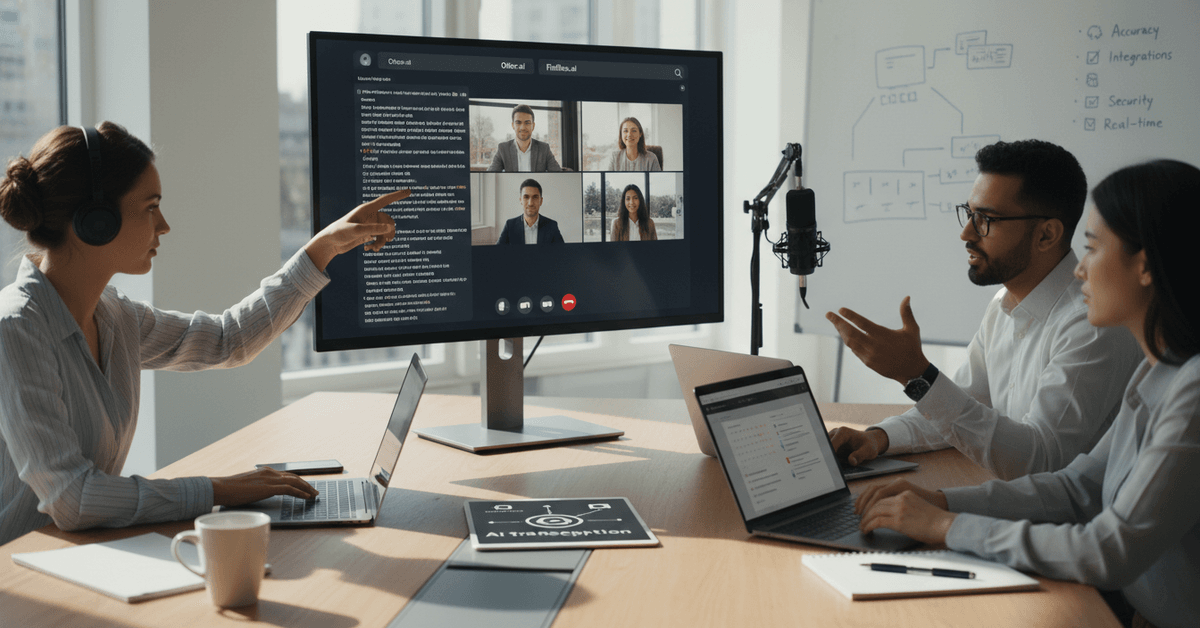
Live transcription during the call, not just a file waiting for you afterward. Speaker identification that labels participants correctly most of the time. Searchable notes you can pull up weeks later.
For someone running a lot of one-on-one calls, Otter's free tier covers enough to be genuinely useful. The paid plans unlock longer recording limits and more advanced summary features.
What Otter Gets Right That Others Don't
The search function. Other tools have it too, but Otter's implementation lets you find a specific quote across months of meetings in seconds. For journalists, researchers, or anyone who references past conversations regularly, that alone makes it worth trying.
It integrates with Zoom, Google Meet, and Microsoft Teams without requiring IT approval or a complicated setup. That matters when you are on a small team or working independently.
Fireflies.ai: Best for Teams That Need Action Item Tracking
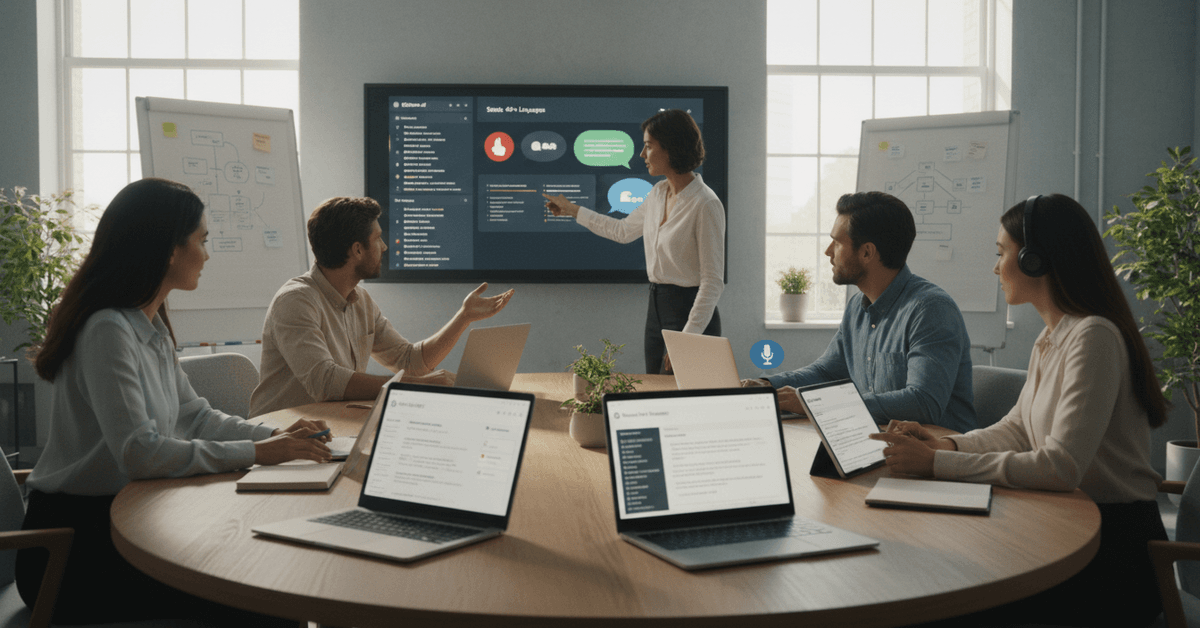
Fireflies.ai does something Otter does not do as well: it tags action items automatically during the call.
If someone says "let's follow up on that by Thursday," Fireflies flags it. That is not magic, but it is genuinely useful for managers or project leads who need accountability built into their meeting workflow.
The search function covers hundreds of meetings instantly, which is a real differentiator for people who spend most of their day in calls.
Calendar integration and plugins for Chrome and Outlook mean it fits into an existing workflow without much adjustment.
The weakness is accent handling. Heavy accents or fast speakers can create gaps in accuracy, especially in multilingual team environments. If your team is globally distributed, test it specifically with your actual speakers before committing.
Google Meet and Microsoft Teams: The Native Options Nobody Fully Uses
Both platforms have improved their built-in transcription significantly. Google Meet now delivers transcripts directly to Google Drive after each call. For anyone already on Google Workspace, this removes an entire step from the post-meeting routine.
Microsoft Teams pairs with OneNote to automate note collection and meeting recaps inside the Microsoft 365 ecosystem. For large organizations already paying for the full suite, this is the path of least resistance.
| Tool | Best For | Real-Time Transcription | Multilingual Support | Action Item Tagging |
|---|---|---|---|---|
| Otter.ai | Individuals, small teams | Yes | Limited | Basic |
| Fireflies.ai | Teams, project tracking | Yes | Limited | Strong |
| Google Meet | Google Workspace users | Yes | Moderate | No |
| Microsoft Teams | Enterprise, M365 users | Yes | Moderate | Basic |
| Sonix | International teams | Yes | 40+ languages | No |
| Rev | Accuracy-critical use cases | Yes | Limited | No |
The native tools are not exciting, but they require zero extra subscriptions and almost no setup time. For teams that already pay for these platforms, the transcription feature is free money left on the table.
Sonix: The One to Know for International Teams
Sonix supports automated real-time transcription in 40-plus languages. For a global team running calls across time zones in different languages, that versatility matters in a way that no other tool on this list matches at the same quality level.
The collaborative workspace and editing tools also make it easier to clean up transcripts for formal documentation.
There is a learning curve compared to Otter or Fireflies, but the accuracy in non-English contexts makes it worth the adjustment period.
Rev: When You Need It Right the First Time
Rev built its reputation on human transcription.
Their AI meeting tool adds real-time capture, and the hybrid model, where a human reviews the AI output, delivers the kind of accuracy you need for legal interviews, medical consultations, or any context where errors have real consequences.
The catch is cost. Human review is not free, and the best accuracy tier requires a paid account.
For internal brainstorms, the AI-only option is plenty. For anything going into the public record or a compliance filing, the full human-plus-AI output is worth the price.
You can explore their hybrid model at Rev's official site.
The Feature Nobody Prioritizes But Should
Speaker identification is the most underrated evaluation criterion in this category. Transcripts that label every speaker as "Speaker 1" or "Unknown" are usable but annoying.
Tools that reliably label the right voice with the right name save meaningful time during review.
I think the industry has let speaker ID underperform for too long.
Most platforms list it as a feature, but research on speaker diarization accuracy shows meaningful gaps between what tools promise and what they deliver in noisy, multi-speaker environments.
What to Actually Look for Before You Commit
Trying a tool in a real meeting reveals things that a features page never will.
A controlled test with a quiet room and two speakers tells you almost nothing about how it performs when three people are talking over each other or someone joins from a busy coffee shop.
Run your evaluation against these criteria:
- Accuracy under real conditions: background noise, crosstalk, accents, and jargon from your industry
- Latency: does the transcript appear in real time or does it lag noticeably behind the speaker?
- Export options: PDF, DOCX, searchable archive, or direct integration with your note-taking app
- Privacy and data retention: what happens to your audio files after the meeting ends
- Speaker labeling reliability: test it with five or more participants talking at a normal pace
The privacy question matters more than most reviews admit. If your meetings cover client data, legal discussions, or unreleased product information, the platform's data retention policy is not a footnote; it is a deciding factor.
The Contrarian Take: Stop Optimizing for Accuracy First
Accuracy is the metric every comparison article leads with. I disagree with prioritizing it above integration.
A tool at 94% accuracy that drops transcripts directly into your project management workflow is worth more than a 98% accurate tool that requires three manual export steps.
The friction in the workflow compounds across every meeting. The accuracy difference rarely does.
My take after looking at how these tools perform across teams with different setups: workflow fit beats benchmark scores every single time. A transcript you actually use beats a perfect one you never find again.
Questions People Ask About AI Meeting Transcription
Q: Can I use these tools if my company has strict data policies? Most enterprise-tier plans from Otter, Fireflies, and Microsoft offer data residency options and SOC 2 compliance. Always verify with your IT or legal team before recording anything sensitive, since policies vary by plan and region.
Q: How well do these tools handle technical jargon or industry-specific vocabulary? It varies significantly. Sonix and Rev tend to handle specialized vocabulary better because of their editing layers. Otter and Fireflies improve over time as they process more of your meetings, learning your team's terminology gradually.
Q: Do meeting participants need to install anything? Usually no. Tools like Otter and Fireflies join meetings as a bot, invisible to participants except for the notification that recording is active. Some platforms require a browser extension for the host but nothing for attendees.
Q: Is there a meaningful difference between the free tiers? Yes. Otter's free tier allows up to 300 minutes of transcription per month with a 30-minute cap per meeting. Fireflies' free tier limits storage and removes some search functionality. If your meetings run long or you need archival access, paid plans start around $10 per user per month across most platforms.
Q: What happens to the transcript if the internet cuts out mid-meeting? Most tools buffer locally or resume from the reconnection point. You will typically lose the segment during the dropout but retain everything before and after. It is worth testing this scenario once before relying on any tool for a critical call.
Conclusion
The tools in this space are genuinely good now, and the gap between them is narrowing fast.
Your job is to pick the one that disappears into your workflow rather than adding to it. The best AI transcription tool is the one you forget is running because everything just shows up where it should.