Copyright strikes are the fastest way to kill a video's momentum. One wrong track, one Content ID match, and your upload is muted, demonetized, or pulled entirely.
AI music generators solve this. Generate original, royalty-free audio in under two minutes, matched to your exact mood and length. No library browsing. No licensing panic.
This is specifically for video creators, students, and content marketers who need background music fast and legally. If you've been recycling the same five royalty-free tracks from 2021, there's a better workflow available right now.
Traditional Royalty-Free Libraries Are Broken
Royalty-free music libraries were a good idea until everyone started using the same ones. Search for "chill lo-fi intro music" on any major free library, and you'll recognize at least three tracks from other creators' videos you watched this week.
The problem is that traditional libraries give you pre-made tracks with no customization. You either fit your video to the music, or you don't use it. That's backward.
I think the bigger issue is that "royalty-free" on these platforms is rarely unconditional. Attribution requirements, platform restrictions, and monetization exclusions. You're not really free. You're just operating under slightly less restrictive terms.
What AI Changes About This
AI music generators flip the workflow. Instead of browsing a library until something fits, you describe what you need and generate it. Mood, tempo, genre, and length. The output is an original composition, not a repackaged stock track.
The tracks don't come from the catalogs of licensed artists. They're synthesized from learned musical patterns. That means no Content ID matches, no surprise claims, and no licensing ambiguity from third-party artists.
For anyone publishing to YouTube, Instagram Reels, TikTok, or even podcast platforms, this is a practical shift in how audio gets sourced.
How AI Actually Composes Music
The process isn't magic, but it's close. These tools are trained on massive libraries of songs, analyzing rhythm patterns, chord progressions, genre structures, and tempo relationships.
When you enter a mood or style prompt, the model generates a composition using those learned patterns.
The key distinction: it's not remixing or sampling existing tracks. It's producing something new based on structural understanding of how music works.
Does It Sound Real?
Honestly, sometimes no. Odd transitions, unexpected chord changes, melodies that resolve strangely. You'll notice it if you're listening closely in headphones.
But for background music in social content, the bar is different. A viewer watching a 90-second tutorial about productivity tools is not analyzing harmonic structure. They want audio that doesn't distract. AI handles that well.
The quality gap between AI-generated and human-composed background music has narrowed sharply since 2023. By mid-2026, most casual listeners cannot reliably distinguish the two in typical video contexts.
The Best AI Music Tools Right Now
Here's a direct comparison of the platforms worth using.
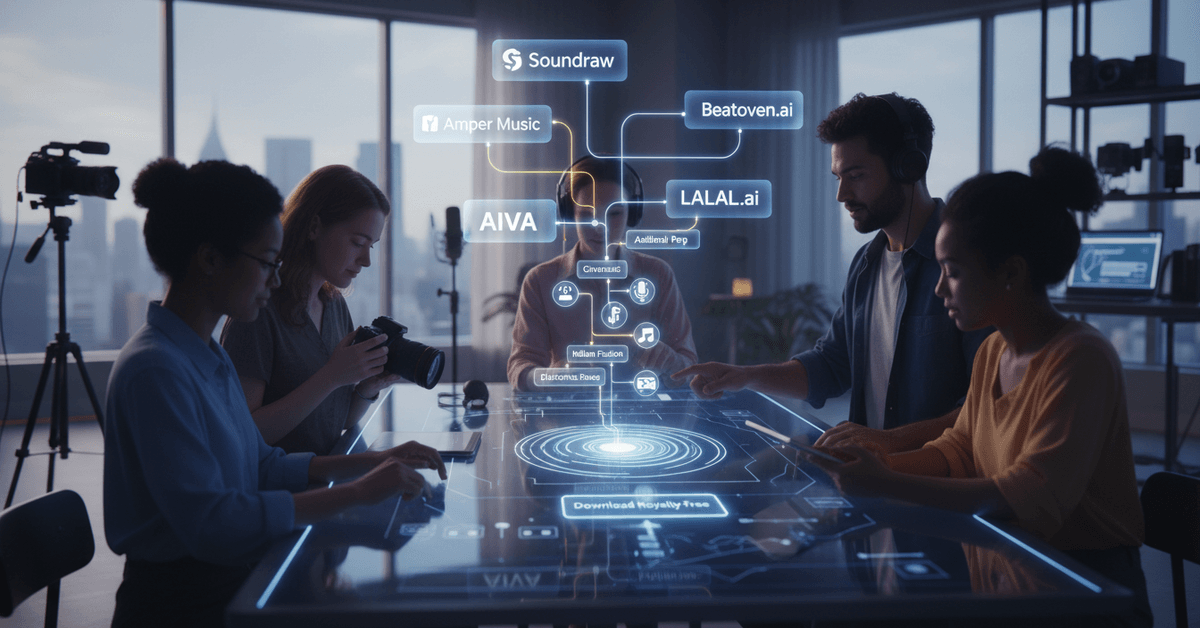
| Tool | Best For | Free Tier | Commercial Use |
|---|---|---|---|
| Soundraw | YouTube, customizable tracks | Limited previews | Yes, with subscription |
| AIVA | Cinematic and focus music | 15 downloads/month | Personal use free |
| Beatoven.ai | Mood-specific, global styles | Yes | Yes |
| Amper Music | Quick browser-based generation | Yes | Yes |
| LALAL.ai | Extracting instrumentals from audio | Partial | Paid plans |
One sentence matters here: Soundraw and AIVA are the two platforms I'd start with for YouTube-focused content creation, based on creator-friendly license terms and output quality.
Soundraw: The Most Flexible Option
Soundraw lets you select mood, genre, energy level, and track length before generating. The interface is clean enough that you can produce a usable track in under three minutes.
I was genuinely surprised that Soundraw's license explicitly covers monetized YouTube uploads. That single detail makes it more useful than half the "free" libraries that quietly exclude ad-supported content.
AIVA: Built for Cinematic and Focus Audio
AIVA (AI Virtual Artist) is popular among productivity and tech YouTubers for a reason. The output leans cinematic. Think ambient piano, orchestral layers, understated electronic pads.
If your content is educational, tutorial-based, or anything requiring a "focused listening" tone, AIVA produces tracks that don't fight your voiceover for attention.
The free tier includes 15 downloads per month, which covers most consistent creators' needs.
Beatoven.ai: Underrated for Global and Emotional Matching
Beatoven is designed around emotional arcs. You can set the energy to shift over the course of a track, which is useful for videos that move from a problem setup into a solution payoff.
The stylistic range includes South Asian and global music traditions that most Western-focused tools skip entirely.
How to Generate a Track From Scratch
The process takes less time than finding a track in a traditional library.
- Pick your platform and create an account. Free tiers work fine for testing.
- Set your parameters: mood, genre, energy level, and exact length. Match length to your video edit, not the other way around.
- Generate multiple versions before committing. Most platforms let you produce several takes from the same parameters. Use at least three before choosing.
- Preview in context: download a candidate and drop it under a rough cut before finalizing. What sounds good in isolation often sounds wrong under dialogue or narration.
- Check the license: confirm that your specific use case (monetized, commercial, broadcast) is covered under that platform's terms.
The One Setting Creators Consistently Skip
Track length customization is the most ignored feature across all these platforms. Creators generate a two-minute track and then spend time trimming it to 47 seconds in post-production.
Set the length before generating. Every platform listed here supports it. This alone cuts editing time on audio by roughly half.
The Licensing Fine Print You Can't Skip
I genuinely disagree with the common advice to "just trust that AI music is copyright-safe." That framing ignores a real variable: how each platform trained its model.
A small number of AI music tools have used copyrighted material in their training data without proper clearance.
The legal questions around this are still unresolved in several jurisdictions as of 2026. If a platform's training data ever becomes the subject of litigation, tracks generated from it could carry downstream risk.
Stick to platforms that are transparent about their training sources. The platforms listed in this article are among the more established options with documented policies.
Questions to Ask Before Downloading
- Does the license cover monetized content on YouTube and TikTok specifically?
- Is attribution required, and if so, in what format?
- Are there download limits that affect your publishing schedule?
- Does commercial use require a paid tier?
Reading the terms page takes four minutes. A demonetized video or a Content ID dispute takes significantly longer to resolve.
Using AI Music Smarter Across a Content Calendar
Batch generation is the workflow shift that saves the most time. Generate eight to ten tracks in a single session using variations of your core mood and genre settings. Store them organized by energy level and length.
This means your next fifteen uploads already have audio candidates ready before you start editing. No mid-project interruptions to source music.
For creators publishing across multiple formats, short-form content (Reels, Shorts, TikTok) benefits from higher-energy tracks under 60 seconds.
Long-form content (tutorials, reviews, podcast-style videos) works better with ambient tracks that loop cleanly without noticeable repeat points. AI generators let you optimize both without sourcing from different libraries.
Questions People Ask About AI Music for Videos
Q: Can two creators end up with the same AI-generated track? Yes, technically. If two creators use identical parameters on the same platform, outputs can be similar. For most background music applications this is irrelevant, but for anything tied to brand identity, use customization options aggressively and consider blending two generated tracks.
Q: Are AI-generated tracks safe for YouTube's Content ID system? Generally yes, when sourced from reputable platforms with original training data. The platforms listed here are among the safest options currently available. That said, no platform can guarantee a zero-claim result if their terms or training practices ever change.
Q: Do I need music production experience to use these tools? None required. The interfaces are built for creators, not producers. If you can describe a mood in one word, you can generate a usable track.
Q: What happens if a platform shuts down or changes its terms? Download and archive every track you use. If terms change retroactively (uncommon but possible), having a local copy with the original license documentation gives you a defensible record.
Q: Can AI music be used for commercial client work? Most paid tiers explicitly allow commercial use. Confirm this per-platform before delivering work to a client. AIVA and Soundraw both address commercial licensing in their documentation.
Stop Recycling the Same Five Tracks
AI music generation is not a niche productivity tool anymore. It's a faster, cheaper, legally cleaner alternative to the royalty-free library workflow that most creators are still using out of habit.
The gap between AI-generated audio and good-enough background music has effectively closed for social content in 2026. Your viewers won't know the difference, but your workflow will feel completely different.
Generate, preview in context, check the license, publish. The old way of hunting through libraries for 45 minutes to find something "almost right" is genuinely avoidable now.