The gap between AI audio and real human narration has nearly closed. If you recorded a voiceover in 2023 using one of the old text-to-speech tools, the robotic flatness was impossible to ignore. The 2026 versions? Different species entirely.
Platforms like ElevenLabs now produce voices with emotional range and micro-inflections that fool listeners on first pass. That shift changes everything about how content creators should be thinking about audio production.
AI voice generators convert written scripts into spoken audio using neural networks trained on massive libraries of real human speech. The output handles accents, pacing, tone, and emphasis. Increasingly well, too.
This guide is written for content creators who are tired of reading generic comparisons. The practical side of actually producing usable audio with these tools gets very little honest coverage online.
AI Voice Generators Are Faster Than Hiring, But That Misses the Point
Speed is what gets mentioned first in every article on this topic. Generate audio in minutes instead of days. No studio booking, no scheduling, no retakes because someone sneezed.
All of that is true. But the real shift is creative control.
When a human voice actor delivers your script, you get one interpretation. One performance.
With AI voice generation, you can produce the same 90-second narration in five different emotional registers within an hour, listen to all five, and pick the one that actually fits the pacing of your video edit.
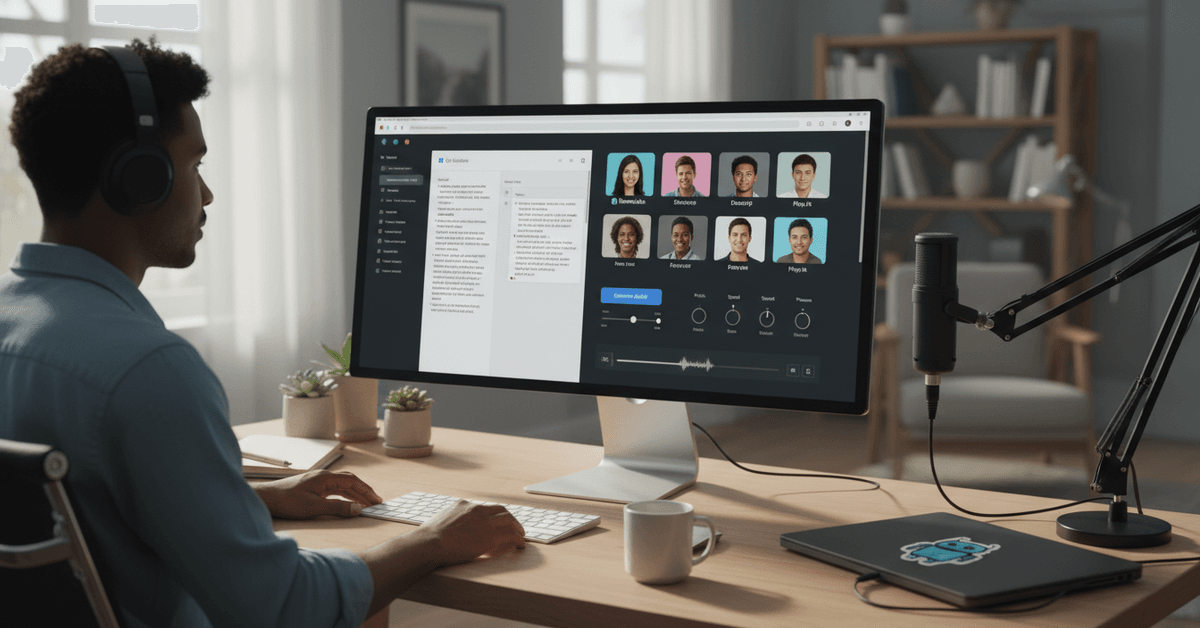
I think the creative iteration angle is the part most reviews completely ignore. Tools like Play.ht let you generate unlimited takes at no extra cost on their paid tier, which means the experimentation cost is already baked in.
Who Finds This Genuinely Useful
Creators who benefit most from AI voiceovers share a few common traits:
- Solo YouTubers building educational or explainer channels without a production team
- eLearning developers who need consistent narration across dozens of course modules
- Marketers producing ad creatives at volume across multiple platforms
- Podcast producers who need professional intros, outros, or ad reads on short notice
The education sector, specifically Udemy-style course creators, has quietly become one of the heaviest users of AI voiceover tools. Consistent tone across 40+ video lectures is genuinely difficult with a human recording. AI solves that.
How to Actually Get Good Audio Out of These Tools
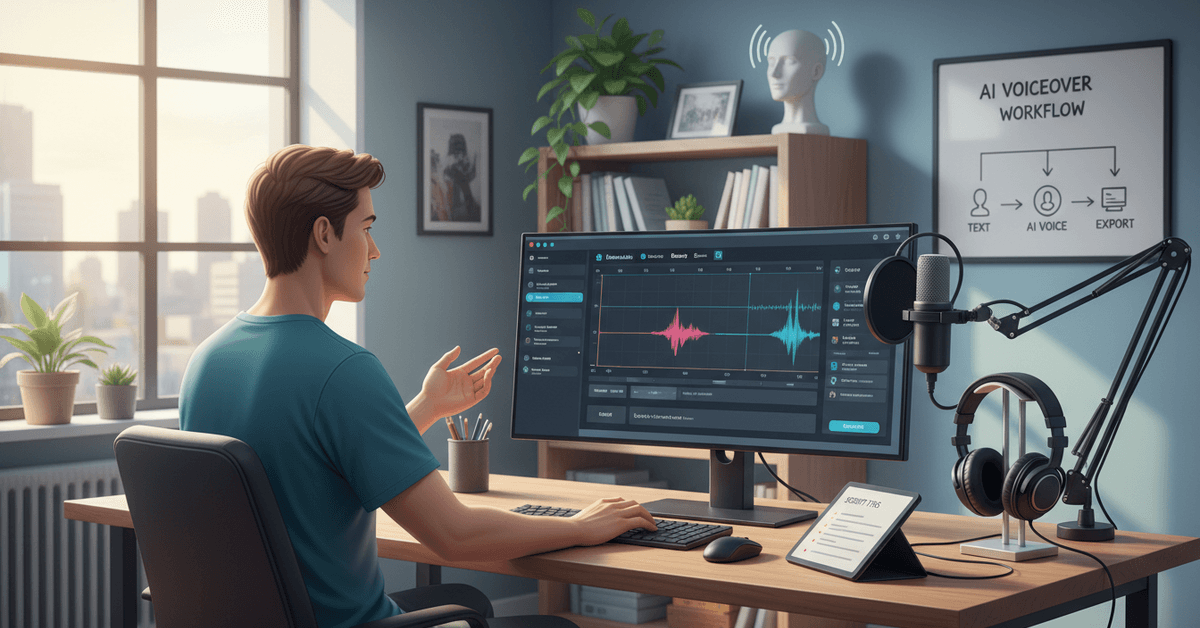
Most tutorials treat this like a one-click process. It is not. Getting natural-sounding output requires deliberate script work before you ever touch the generator.
Write Scripts That AI Can Read Naturally
The single biggest factor in output quality is how your script is written, not which platform you use. Long compound sentences with nested clauses produce flat, confused output almost every time.
Short declarative sentences outperform. Periods do more work than commas. Read your script aloud before generating. If it sounds weird when you say it fast, the AI will sound worse.
Add explicit punctuation for pacing. A comma creates a micro-pause. A period stops the flow. Some platforms like ElevenLabs support inline tags like [pause 0.5s] that give you surgical control over rhythm.
Pronunciation Problems Are Solvable
Brand names, acronyms, and technical terms are where AI voice tools still stumble. "API" might get read as a word rather than three letters. A niche product name will almost certainly get mangled.
The fix is phonetic spelling in your script. Write "AY-PEE-EYE" if you need the letters pronounced individually.
Some platforms have custom pronunciation dictionaries where you can save these corrections permanently, which is a major time saver on projects with consistent terminology.
Choose Your Platform Based on Your Actual Use Case
Picking the right AI voice tool matters more than most people admit. Every platform optimizes for something different.
| Platform | Best For | Pricing Model | Voice Count |
|---|---|---|---|
| ElevenLabs | Realism, emotional range | Usage-based credits | 120+ voices |
| Play.ht | Volume, language variety | Flat monthly subscription | 900+ voices |
| Descript Overdub | Podcast editing, cloning your own voice | Per-seat subscription | Custom + library |
| Microsoft Azure TTS | Developer integration, app building | Pay-per-character API | 400+ voices |
| LOVO | Ad and education content | Tiered flat pricing | 500+ voices |
The takeaway: ElevenLabs wins on realism for narrative content. Play.ht wins on breadth and value if you produce at volume. Descript is the right call if you already edit podcast audio and want voice tools inside the same workflow.
Why I Disagree With the "Free Tool First" Advice
Every beginner guide says to start with free tools. I genuinely disagree with this for one specific reason: free tier outputs train your expectations downward.
The voice quality gap between a free ElevenLabs account and a $22/month Starter plan is significant enough to matter.
Someone who tests the free tier, hears something mediocre, and concludes "AI voices aren't ready yet" is drawing the wrong conclusion from the wrong sample. Start with a paid trial. Most platforms offer 7-day free access to full features.
The Legal and Ethical Layer Nobody Explains Clearly
Using AI voice tools commercially introduces licensing questions that get glossed over constantly. Most platforms bury the usage rights in their terms of service.
Key questions to answer before publishing AI-generated audio:
- Does your subscription tier allow commercial use, or only personal projects?
- If the platform offers voice cloning, do their terms prohibit cloning recognizable public figures?
- Does your platform's license cover content monetized through advertising?
ElevenLabs' commercial license on paid plans permits commercial use of generated content, but the specifics vary by tier. Read before you publish, especially if you are running AdSense or paid ad placements.
Voice cloning technology adds another dimension. Cloning your own voice for efficiency is a legitimate workflow. Generating audio in someone else's voice without permission is a legal and reputational risk that no efficiency argument justifies.
Where AI Voiceover Fails Completely
I think the over-optimistic coverage of AI voice tools does a disservice to people who try them expecting magic.
Emotional sincerity in long-form content is still weak. A 3-minute product explainer sounds convincing. A 45-minute audiobook chapter starts losing the subtle humanity that keeps listeners engaged.
The micro-variations in a real human voice, the slight breathiness before an important word, the natural dip at the end of a thought, are still being synthesized rather than felt.
Highly technical fields present specific problems. Medical, legal, or scientific narration that requires precise emphasis on specific terms produces inconsistent stress patterns.
A human voice actor who understands the subject matter places emphasis correctly through comprehension. AI places it by pattern matching.
These are not reasons to avoid AI voiceovers. There are reasons to choose your use case carefully.
Questions People Ask About AI Voice Generators
Q: Can AI-generated voiceovers be detected by listeners? Detection depends heavily on the platform and script quality. ElevenLabs outputs at high quality settings are consistently rated as human by listeners in informal tests, but trained audio professionals can often identify synthesis artifacts in longer content. Disclosure is the safer and more ethical position.
Q: Do AI voices work in languages other than English? Play.ht supports over 900 voices across 140+ languages, and ElevenLabs has expanded its multilingual models significantly through 2025. Quality in non-English languages still lags behind English outputs, particularly for tonal languages like Mandarin and Vietnamese.
Q: Is voice cloning my own voice worth it? For creators who post consistently and want a signature audio identity, yes. Descript Overdub lets you clone your voice and correct recorded audio by retyping words, which is genuinely useful for podcast editing without re-recording full segments.
Q: What file formats do AI voice tools export? Most platforms support .mp3 and .wav as standard outputs. Some, including ElevenLabs, also offer .flac for lossless audio. If you are delivering to a video editor or DAW, .wav at 44.1kHz is the most compatible format.
Q: Can I use AI voiceovers on YouTube without copyright strikes? AI-generated audio does not trigger Content ID in the same way licensed music does. The risk is not copyright strikes but platform policy on synthetic media disclosure, which YouTube updated in 2024 to require labeling for realistic AI-generated content.
Conclusion
The technology moved faster than the guides covering it. Creators who figure out script preparation, platform selection, and licensing early will spend less time fixing problems and more time publishing.
Start with one project, one voice, and one platform before deciding what AI audio can and cannot do for your workflow.